
Text prompt workflow
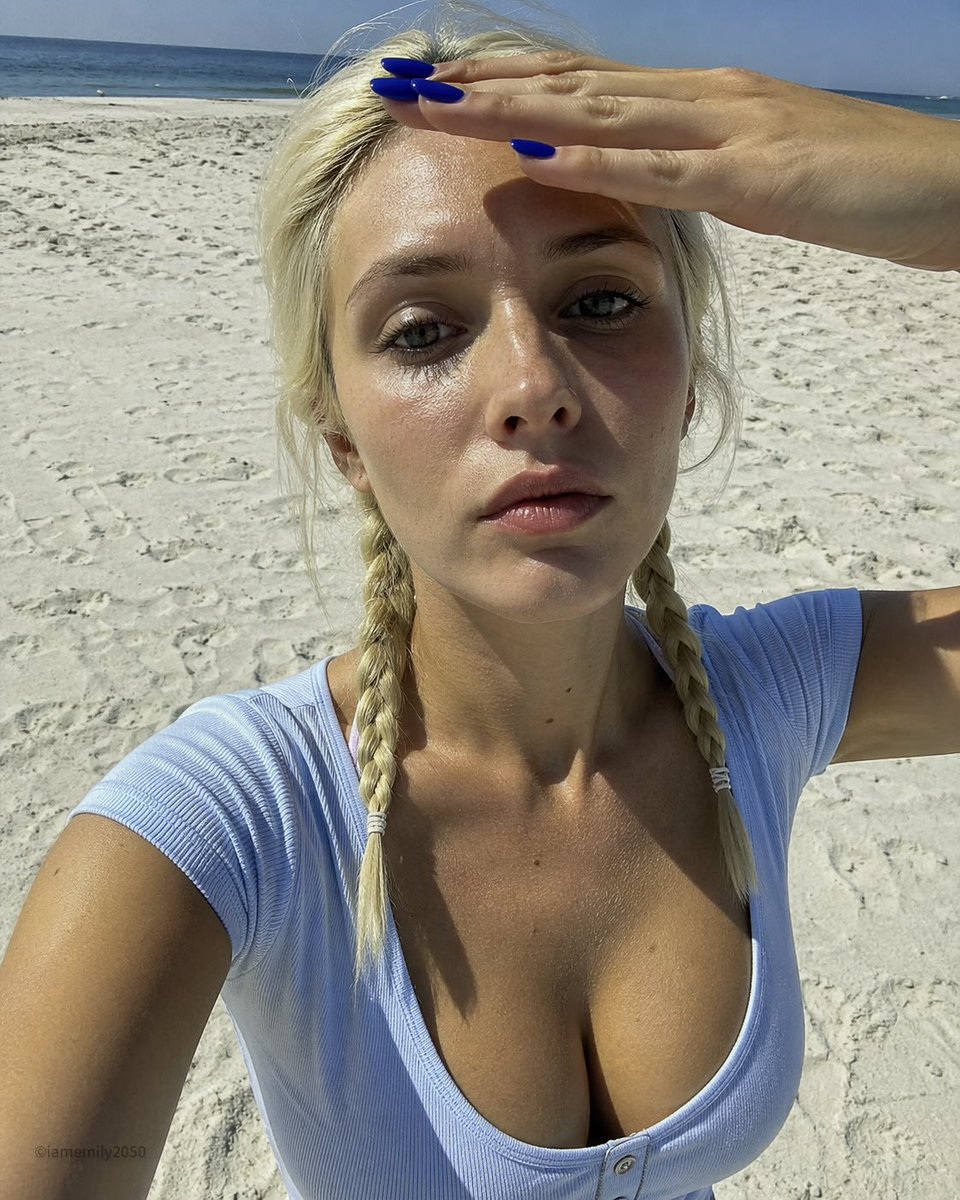
超写实海滩高角度手机自拍
Imported from awesome-gpt-image-2 case 199. Source: @IamEmily2050
プロンプトで画像をオンライン編集し、背景変更、顔や服装の保持、不要物整理、細部調整、マーケティング向け写真バリエーションを作成します。商品写真、人物写真、広告素材、SNSカバー、参考画像の二次編集に使えます。
What to keep unchanged + exact area to edit + new background or object + realism level + final use.
Edit this image: keep the person unchanged, replace the background with [scene], natural lighting, realistic edges, no extra objects.
Remove [object] from the image, preserve the original subject, shadows, and perspective, clean professional result.
Change only [area] to [new detail], keep face, pose, clothing, and composition unchanged.
Use these published cases as visual proof, prompt inspiration, and a starting point for your own generation workflow.
Imported from awesome-gpt-image-2 case 199. Source: @IamEmily2050
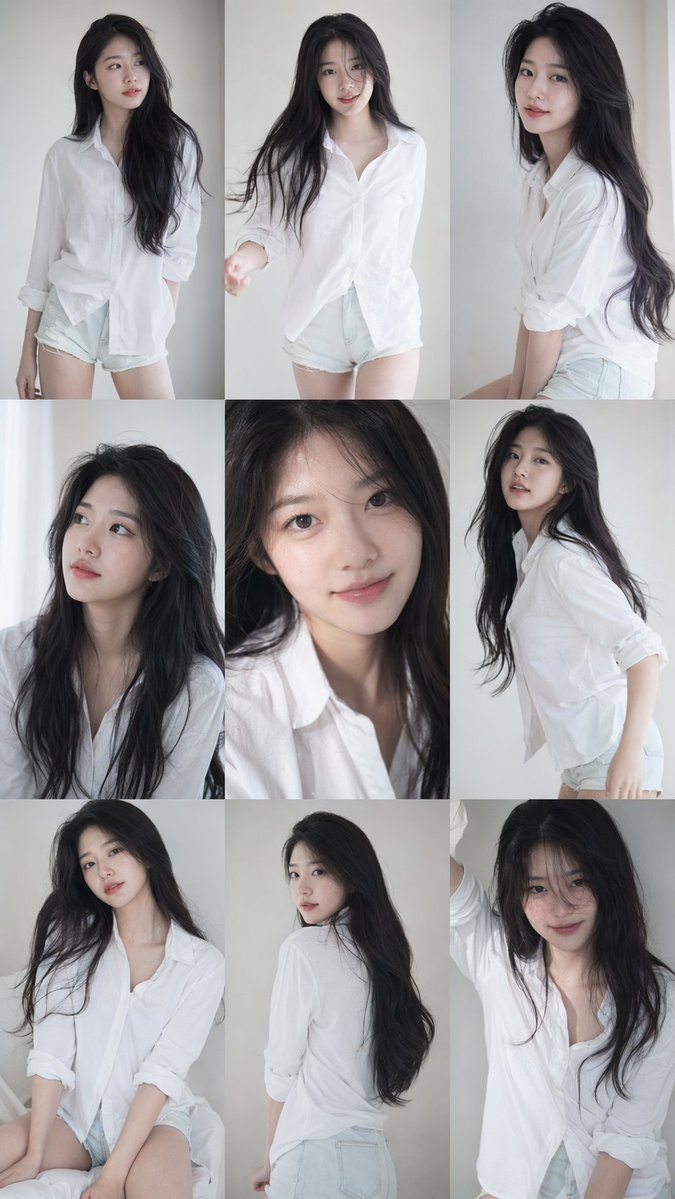
Imported from awesome-gpt-image-2 case 219. Source: @BubbleBrain
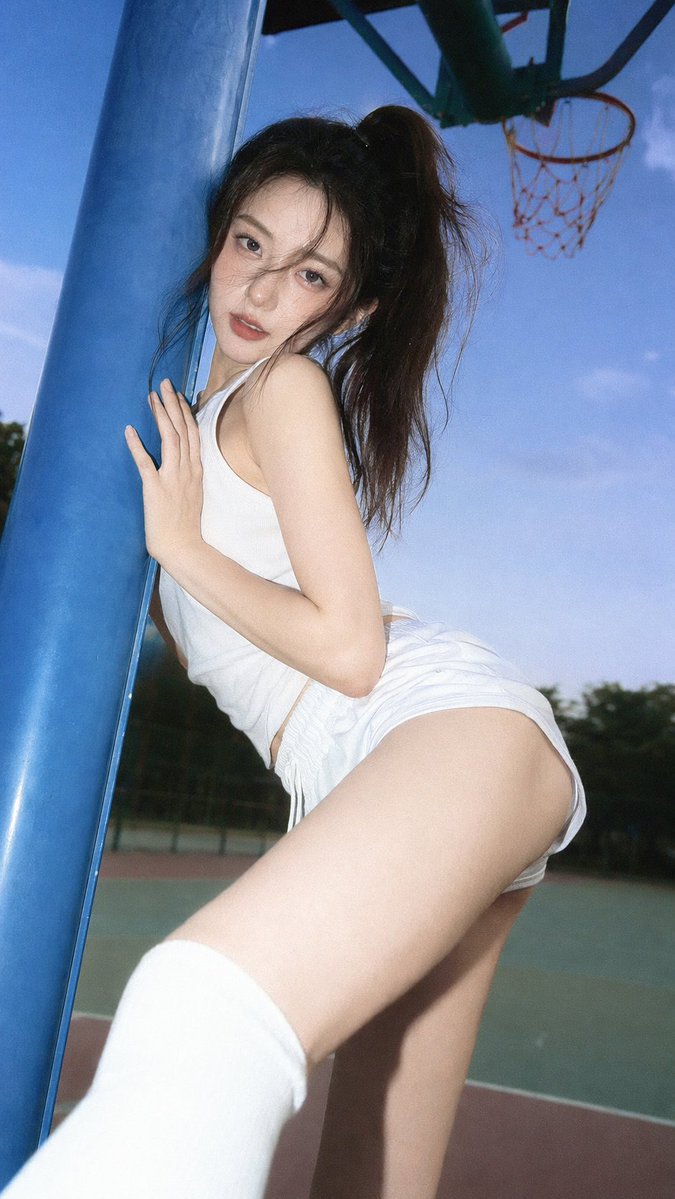
Imported from awesome-gpt-image-2 case 240. Source: @BubbleBrain
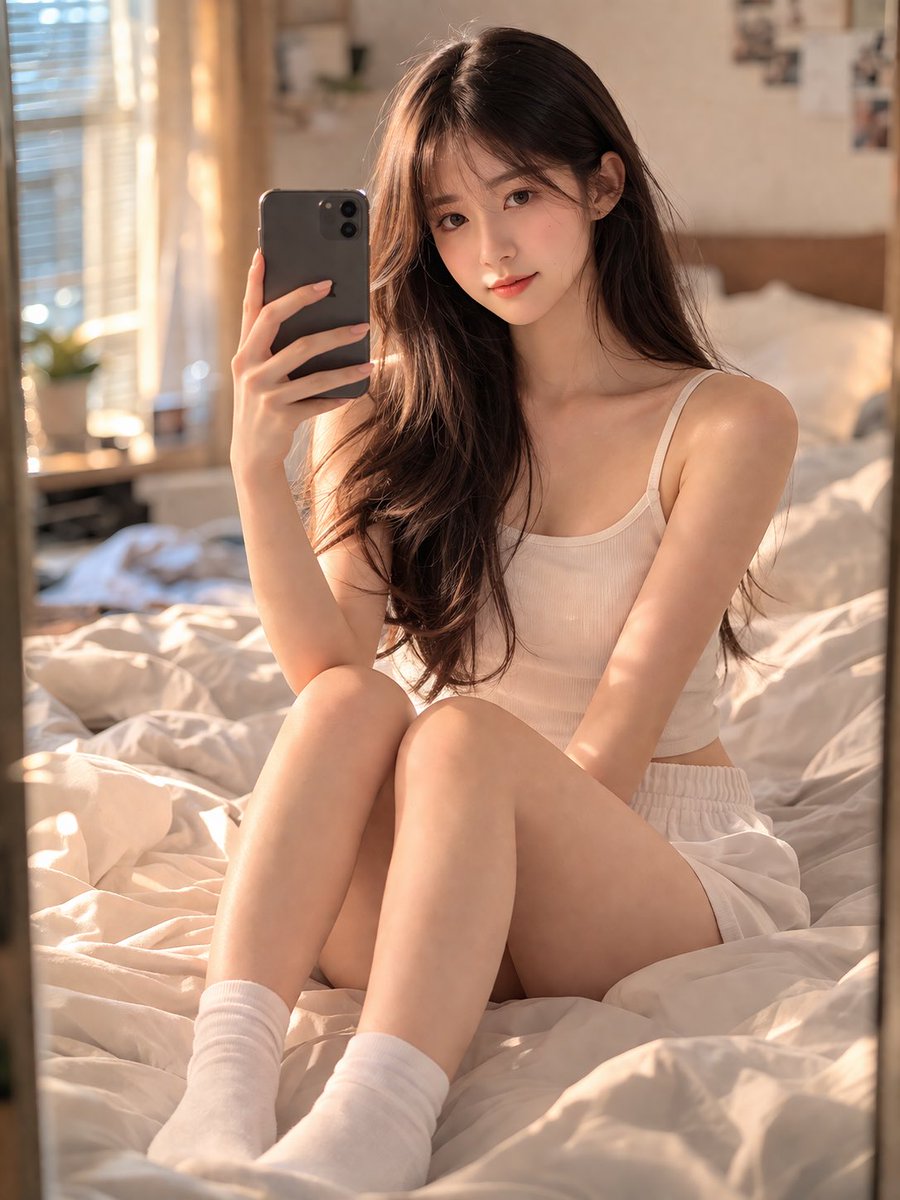
Imported from awesome-gpt-image-2 case 284. Source: @Shinning1010
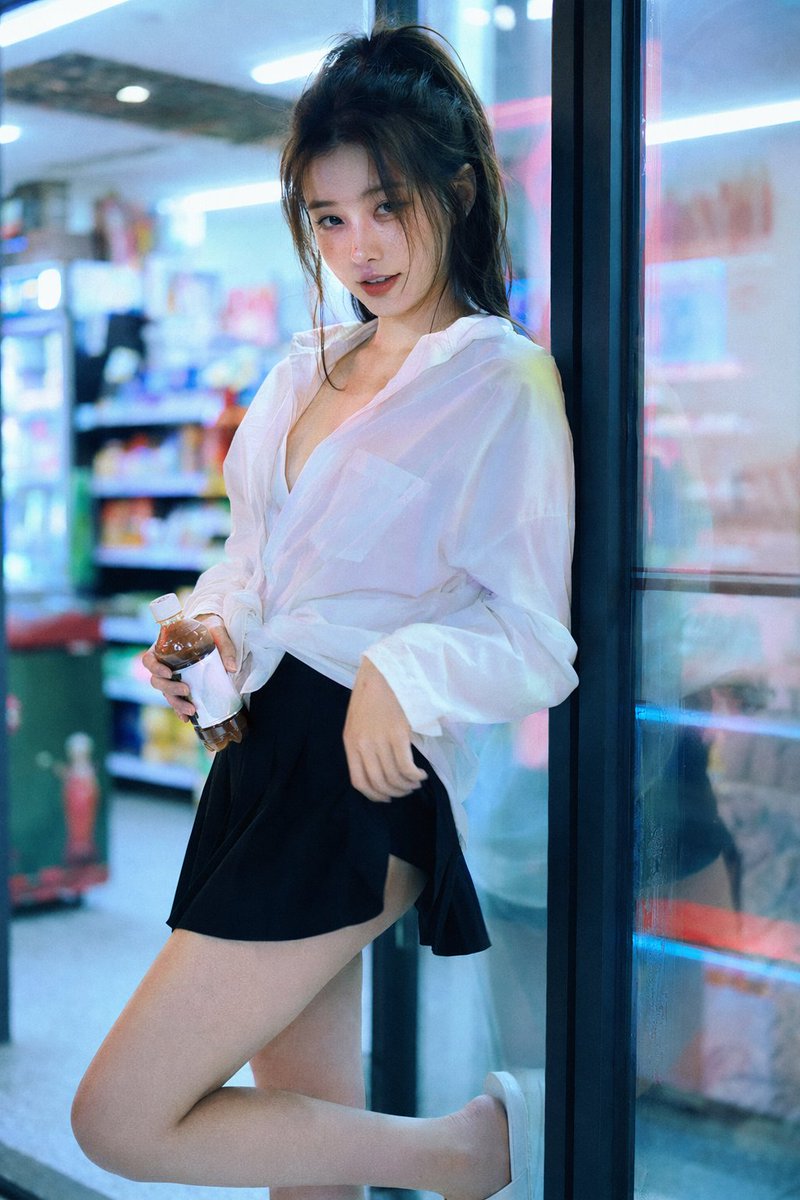
Imported from awesome-gpt-image-2 case 305. Source: @BubbleBrain
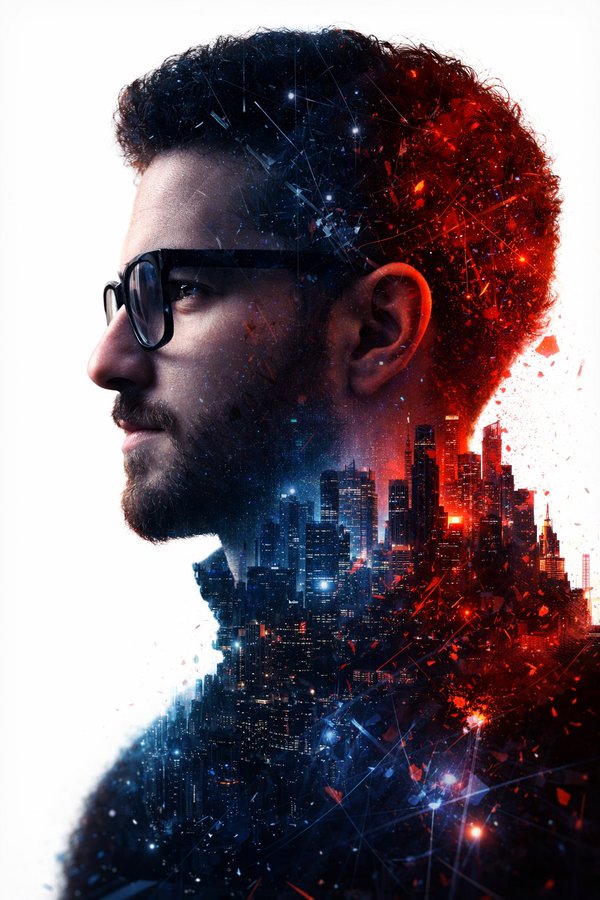
A futuristic double-exposure portrait with red and blue lighting.
Use the best available image and state what must remain unchanged.
Name the exact region, object, background, or style to change.
Run small follow-up edits instead of rewriting the whole scene when details matter.
Explicitly say the face, expression, pose, and identity must remain unchanged, then describe only the target edit.
No. It also supports cleanup, object replacement, local edits, and style refinements.