Detailed prompt understanding
Describe the subject, objects, colours and layout in everyday language. Add specific instructions for small adjustments or a completely different scene, then check how the selected model follows your brief.
Describe an image or bring a reference to explore detailed edits, consistent characters and new scenes. Choose an available model and refine your composition, lighting and visual style in one workspace.
Start creatingGapti brings prompt-based image creation and editing to your browser. Describe a transformation, guide the model with references, and review the result for your creative or everyday project.




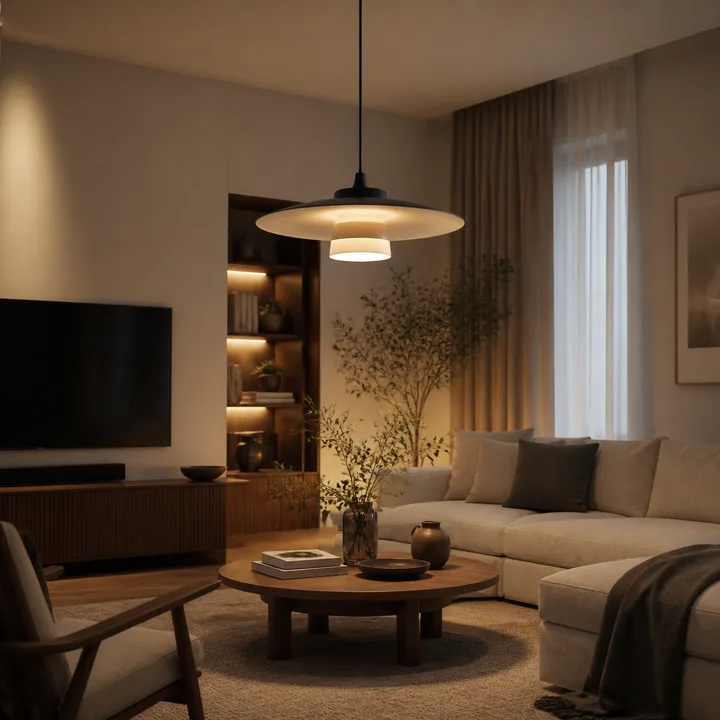
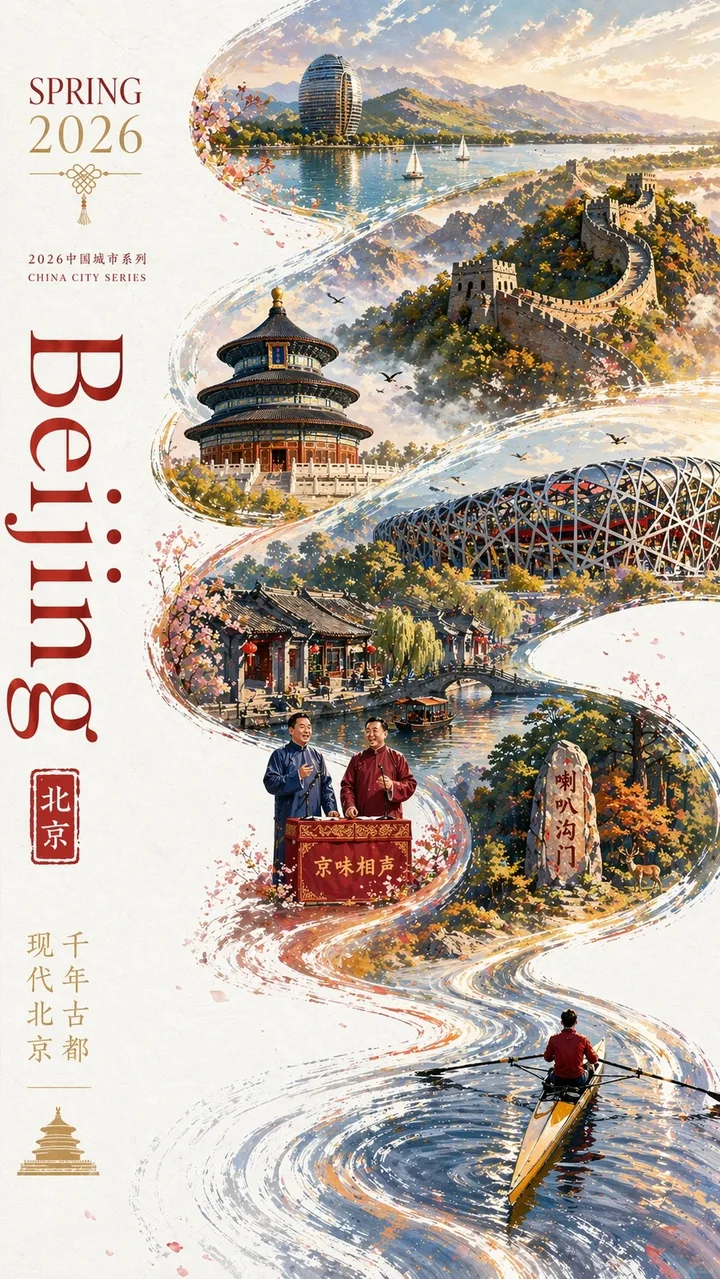
Explore natural-language editing, visual transformations and detailed compositions with the models available in your workspace.
Describe the subject, objects, colours and layout in everyday language. Add specific instructions for small adjustments or a completely different scene, then check how the selected model follows your brief.
Use a character reference when creating related portraits, story scenes or campaign images. Describe the facial features, clothing and identity you want to keep, and compare each new result with the original.
Explain which background, camera angle and relationships between objects should remain. Guide changes to the environment or lighting with references, and inspect the final composition before continuing.
Select a supported resolution and aspect ratio for your destination. Build product visuals, posters or wider compositions, and inspect fine textures, contours and lettering at the actual output size.
Explore photographic, illustrated or painterly directions by describing materials, colour palettes and atmosphere. A clear reference and a focused style instruction help communicate the look you want.
Describe each character's position, appearance and role in a group scene. Use the selected model's supported references to guide the composition, then check faces, object counts and interactions in the result.
No design software required. Describe the result, tune the output, then download or keep editing.
Choose an image you may use and add it as a reference. Select a model that supports your intended edit.
Explain what should change and what should remain. Choose the available settings, then review and confirm the credit quote.
Inspect the completed image, save the available original file, or use the result as a reference for another edit.
A browser workspace for prompt-led editing, related visual concepts and professional creative drafts.
Explain an edit directly instead of learning a complex toolset. Refine colours, objects and scenes through clear descriptions and references.
Keep a reference attached while exploring related scenes. Describe the identity and details to preserve, then review consistency across outputs.
Describe how the subject should fit its surroundings. Guide perspective, lighting and framing for product shots, portraits and concept images.
Move from a brief to a result in one workspace. Review your settings and quote, follow the task status, and continue refining from an available image.
Combine supported references to communicate subjects, materials or composition. The workspace shows the actual limit for your selected model.
Prepare concepts for ads, product pages and branded content. Review image accuracy, lettering and usage rights before publishing the final result.
Everything you need to know before you start creating.
Gapti is a browser workspace for AI image generation and editing. Start from text or authorised reference images, select an available model and review each result before downloading or refining it.
You describe your intended changes in natural language and guide the model with references. Available models have different strengths and settings; compare the actual result with your original brief.
You can prepare product visuals, campaign concepts, posters and other creative drafts. Check the model terms, input rights, generated text and product details before commercial use.
Describe changes to objects, colours, lighting, backgrounds or visual style. Supported inputs and output settings depend on the selected model. Tools marked Coming soon are not currently available.
Start with a clear reference or a simple description, choose the available settings and confirm the quote. Review the result and make a focused change for your next version.
Time varies with the model, resolution, output count and provider load. The workspace shows task progress; an accepted task can be restored after a refresh without submitting another generation.
Choose a supported output resolution and inspect the downloaded image. AI editing can change details, so compare faces, textures, product geometry and text with the source before publishing.
Describe each character and their position, and add references within the model's displayed limit. Check identities and interactions in the result; exact continuity is not guaranteed.
Use the support email in the footer. Include the relevant task or order identifier and a description of the issue; do not send passwords or payment card details.