
1
Plan the story before generating
Describe an opening, one action and an ending. A storyboard can guide the brief; there is no separate timeline editor.
Get a quote before generating.
Loading…
Create a short video with Seedance 2.5 Flash. Describe the action and camera movement, choose supported inputs and review your completed clip.
Storyboards · Product films · Action sequences
Reference-site example; not a verified result generated on Gapti. Nano Banana ↗
Describe an opening, one action and an ending. A storyboard can guide the brief; there is no separate timeline editor.
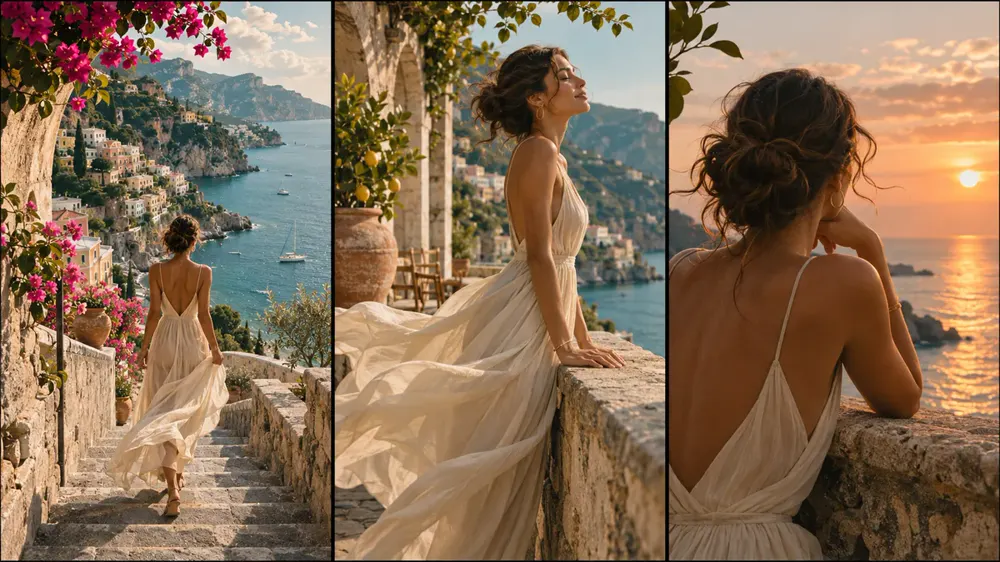
Match the character orientation to the image or video. Review framing and camera motion in the result.
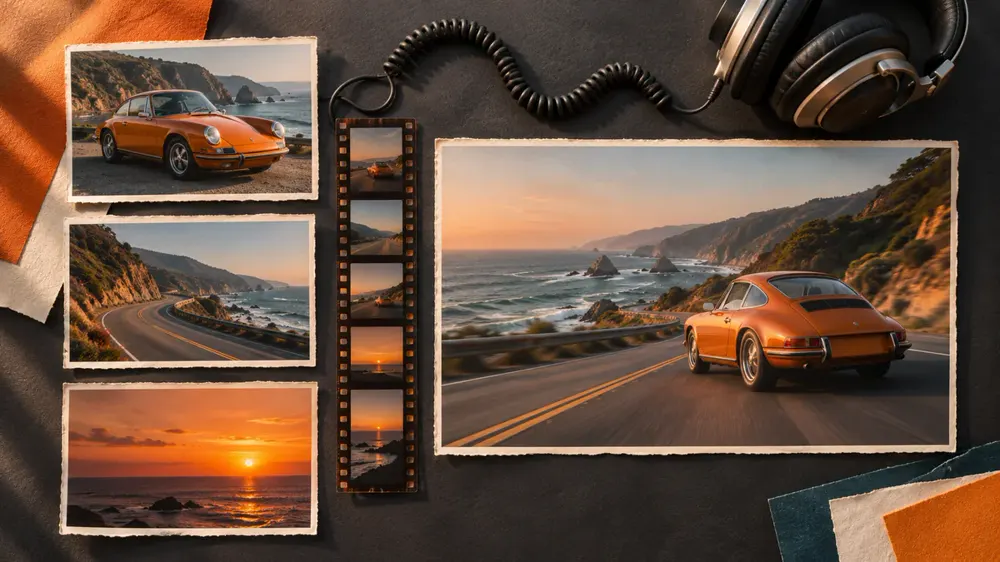
Describe a clear path through the scene, with the subject, camera and effects in a deliberate order.
Specify the subject, composition, lighting and details to preserve. Use clear instructions for each change.
H.264 MP4, PCM WAV or MP3; up to 10 MiB per file. Each clip: 2–30 seconds; up to 30 seconds total for videos and for audio.
Choose a supported resolution and aspect ratio. Inspect text, identity and fine details in the completed result.
Plan a sequence of numbered shots with consistent characters, camera angles and scene notes.
2Plan a product reveal with controlled camera movement, changing light and a simple background.
3Describe a short action beat with a clear starting pose, movement and ending position.
Text to Video / First frame / First / last frames / Reference images · Reference images: 10 · Reference videos: 5 · Reference audio: 5. H.264 MP4, PCM WAV or MP3; up to 10 MiB per file. Each clip: 2–30 seconds; up to 30 seconds total for videos and for audio.
480P / 720P · 4–30 seconds
Create a short video with Seedance 2.5 Flash. Describe the action and camera movement, choose supported inputs and review your completed clip.
Storyboards / Product films / Action sequences
Plan a sequence of numbered shots with consistent characters, camera angles and scene notes. Plan a product reveal with controlled camera movement, changing light and a simple background. Describe a short action beat with a clear starting pose, movement and ending position.
Text to Video / First frame / First / last frames / Reference images · Reference images: 10 · Reference videos: 5 · Reference audio: 5. H.264 MP4, PCM WAV or MP3; up to 10 MiB per file. Each clip: 2–30 seconds; up to 30 seconds total for videos and for audio.
480P / 720P · 4–30 seconds
Create a short video with Seedance 2.5 Flash. Describe the action and camera movement, choose supported inputs and review your completed clip.
Start creatingGet a quote before generating.
Loading…