Create an A1 vertical landscape planning presentation board for [project], modular layout, masterplan, analysis diagrams, muted academic colors, clear labels.
Use this promptAI Architecture Presentation Boards
Generate architecture, landscape, urban planning, and competition-board visuals with structured prompts, reference images, and gallery examples.
Loading…
Explore ideas with AI Architecture Presentation Boards
Project type + site context + board format + visual style + color system + diagram layers + label treatment.
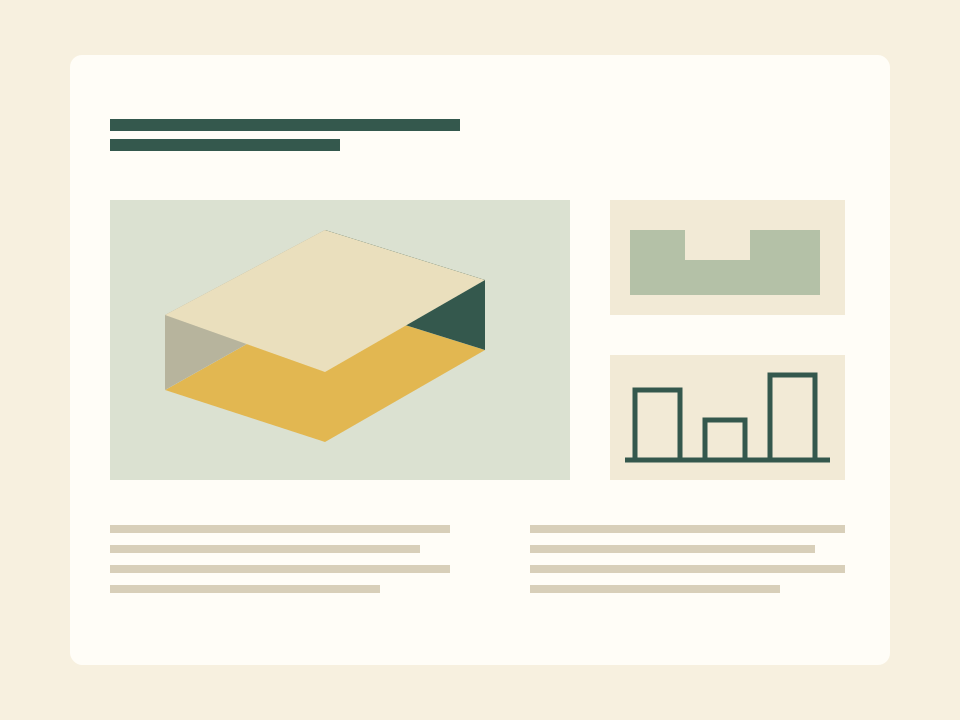
Landscape planning boards and competition presentation layouts.
Urban design concept sheets with maps, diagrams, and visual hierarchy.
Architecture portfolio boards with consistent graphic language.
Reference-driven style transfer for plans and site diagrams.
Prompt ideas for AI Architecture Presentation Boards
Transform this site reference into a professional architecture board, preserve site structure, add diagram layers, clean competition style.
Use this promptGenerate a planning concept board with title area, site map, strategy diagrams, material palette, and public-space illustrations.
Use this promptHow to use AI Architecture Presentation Boards
- 1
Start with an idea or reference
Write the subject, scene and intended change. Sign in before uploading a reference image you own or may use.
- 2
Choose settings and review the quote
Choose the available model and output settings in the workspace. Get a quote, check the credit cost and explicitly confirm to start.
- 3
Review the result
Preview the completed task and download an available output. Check details before publishing; start another version only when you choose to.
Published scene examples
Explore published gallery images for inspiration. Review the actual output yourself; these examples do not guarantee your result.
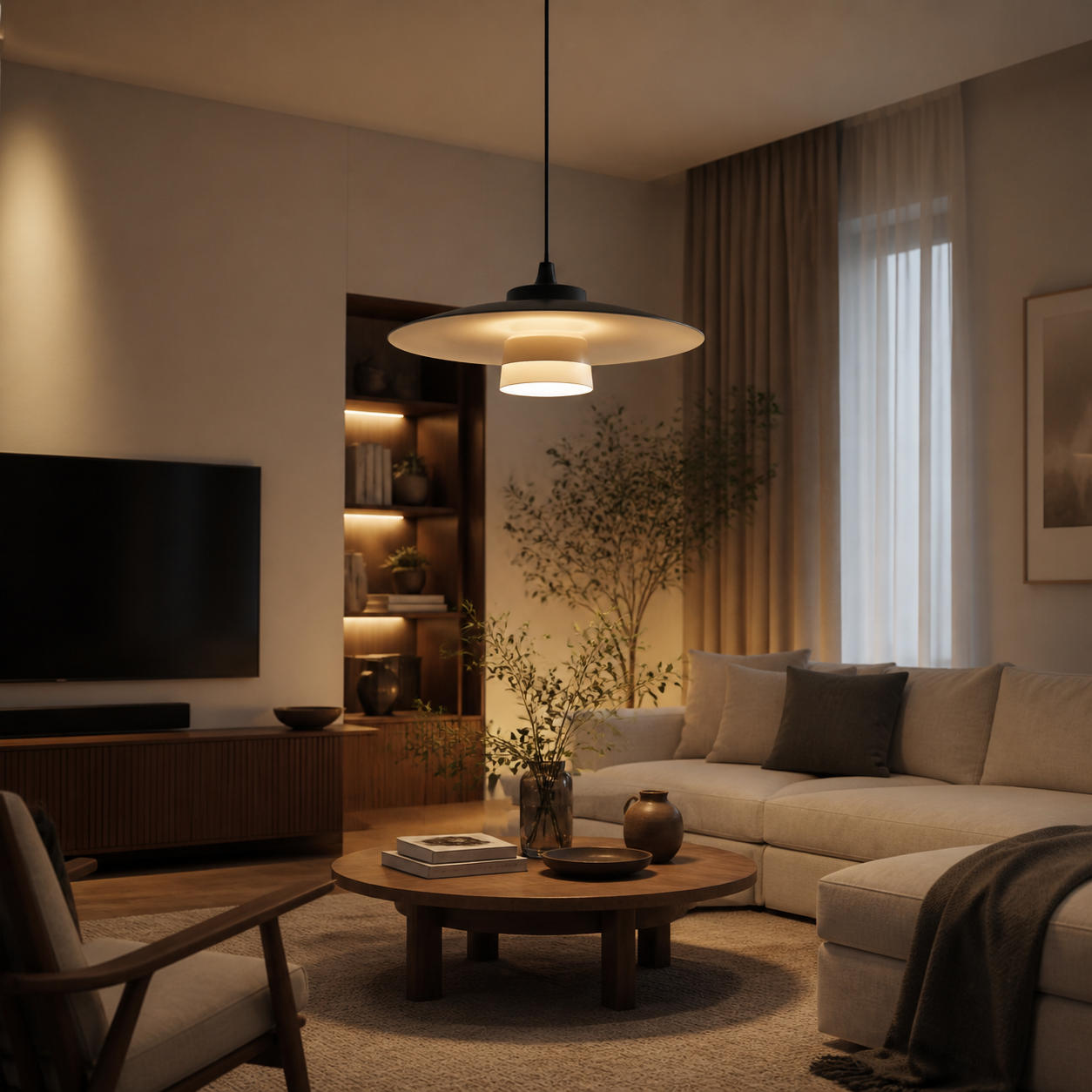
Lamp interior lifestyle scene
展示灯具装进真实温暖家居空间后的氛围感,适合详情页和场景参考。
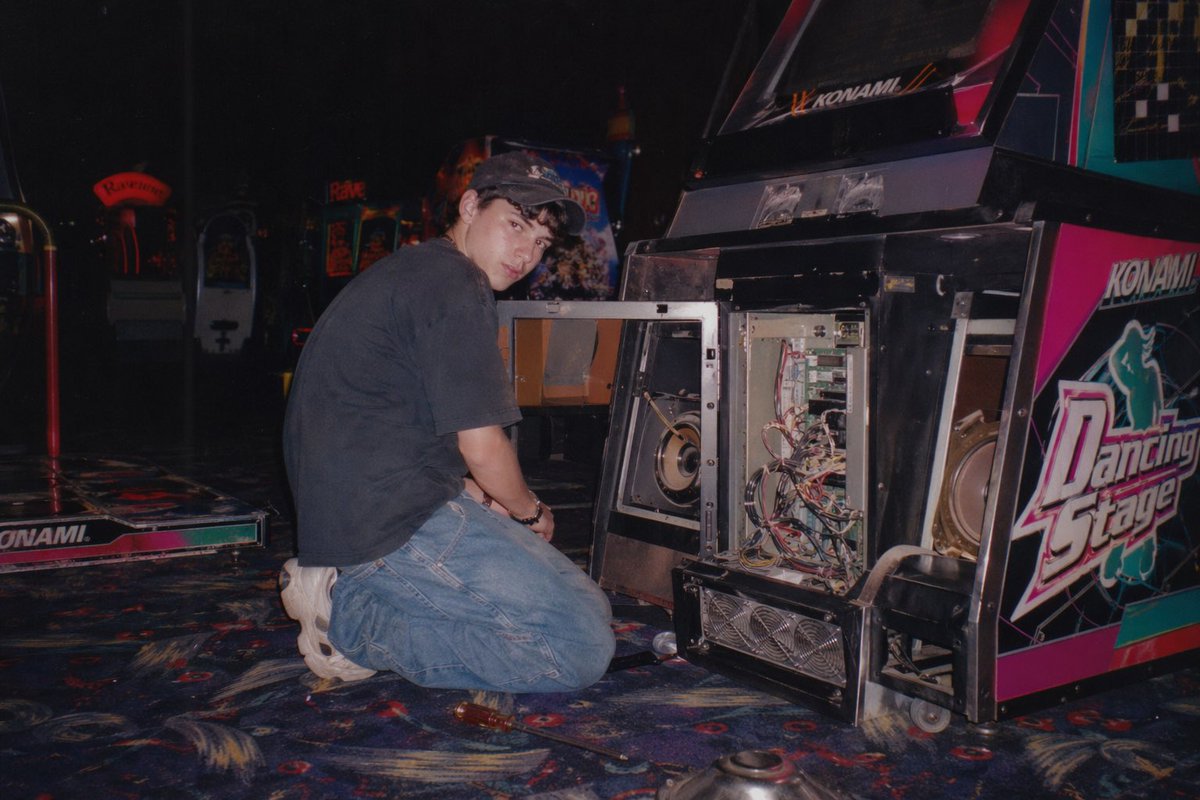
Indoor Arcade Atmosphere Photo
An atmospheric photo of a dim indoor arcade space.
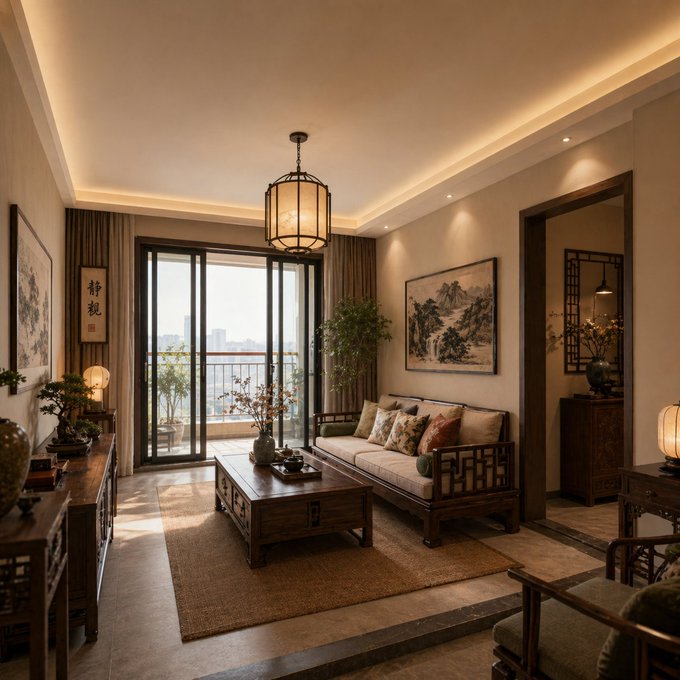
Chinese home interior
A warm square interior concept with wood tones, balanced symmetry, and refined decorative detail.
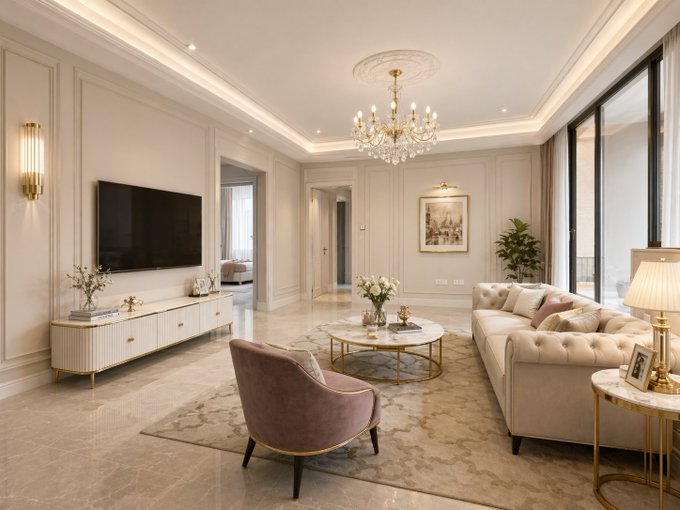
European home interior
A staged residential concept with elegant furniture, soft neutral materials, and magazine-style framing.
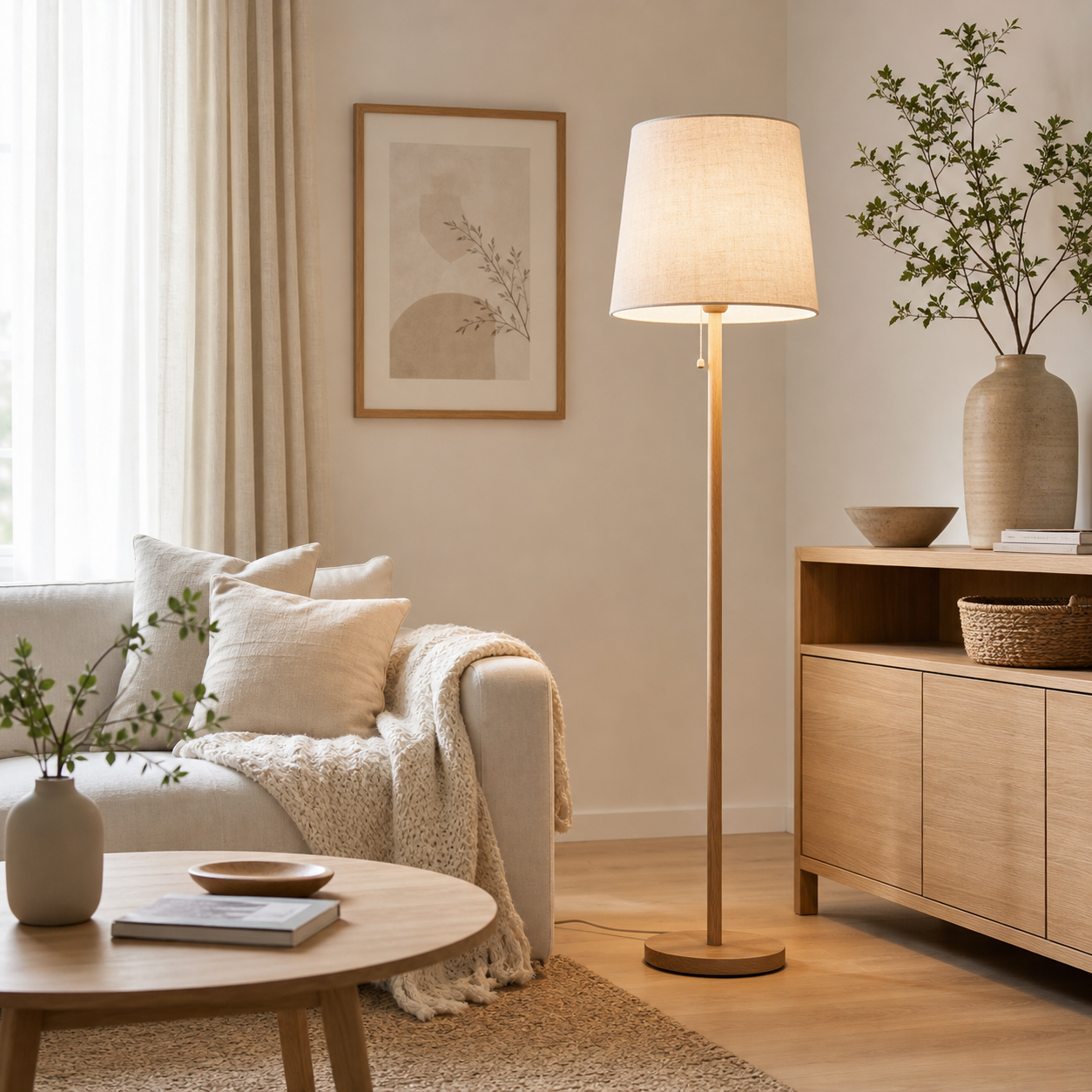
Lamp style inspiration
A style-reference prompt type for Scandinavian interiors, natural wood, soft light, and calm decor mood.

Lao Gan Ma flavor concept
Imported from awesome-gpt-image-2 case 4. Source: 小红书号989137706
AI Architecture Presentation Boards: frequently asked questions
Can this create a full competition board?
It can generate board concepts and visual directions. Check text, labels, and technical accuracy before submission.
Should I upload a site plan?
Yes. Reference images help preserve site geometry and diagram structure.
When do I need to sign in?
Reference uploads and cloud sessions require sign-in. The workspace shows the available actions for your account. A selected visitor file is not uploaded automatically after sign-in.
How do I check the price?
The price updates for your selected model, settings and output count. Review it, then choose Create. Failed paid outputs follow the applicable refund rules.
Which reference images can I use?
Use authorized JPG, PNG or WEBP images. The uploader checks file type, size and the current image limit before upload. Available reference behavior depends on the selected model.
Are the examples guaranteed results?
Illustrations show possible creative directions, not guaranteed outputs. Inspect identity, text, motion and other important details in your actual result before use.
Ready to create with AI Architecture Presentation Boards?
Review the credit cost before confirming each new generation.
Start creating