Create a fashion lookbook image for [garment], model wearing [style], clean pose, fabric texture visible, editorial lighting, [aspect ratio].
Use this promptAI Fashion Model Generator
Create fashion model visuals, apparel campaign concepts, outfit photography, and lookbook images with prompt and reference-image workflows.
Loading…
Explore ideas with AI Fashion Model Generator
Garment type + model profile + pose + scene + fabric detail + lighting + campaign format.
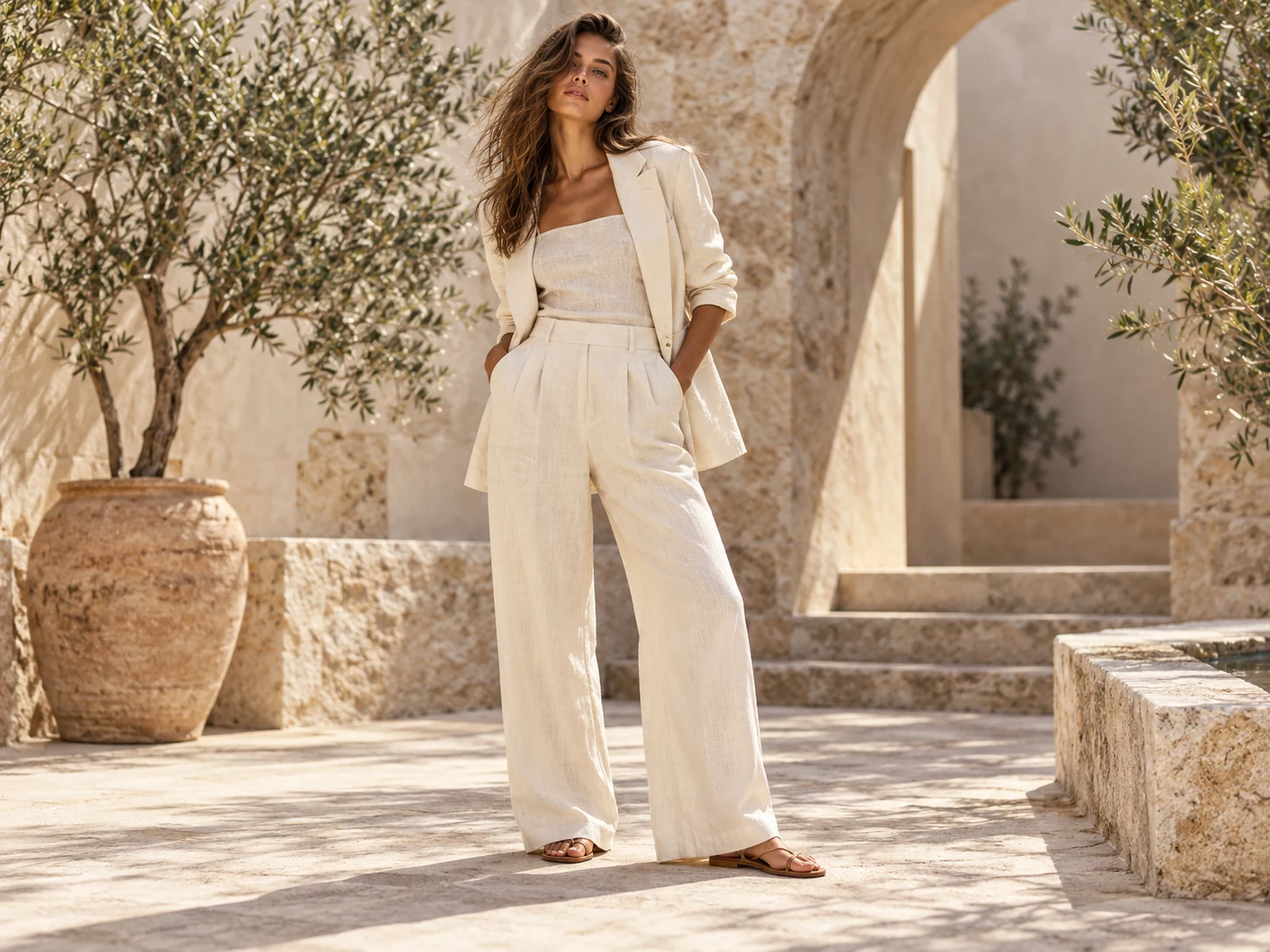
Fashion lookbook images and campaign concepts.
Apparel product visuals with model, pose, and fabric direction.
Social content for clothing drops and seasonal launches.
Reference-image edits for outfit, scene, or lighting variations.
Prompt ideas for AI Fashion Model Generator
Generate an apparel campaign shot for [brand mood], full-body model, realistic fabric folds, simple background, premium ecommerce style.
Use this promptUse this reference outfit and create a new scene with [background], preserve garment details and natural body proportions.
Use this promptHow to use AI Fashion Model Generator
- 1
Start with an idea or reference
Write the subject, scene and intended change. Sign in before uploading a reference image you own or may use.
- 2
Choose settings and review the quote
Choose the available model and output settings in the workspace. Get a quote, check the credit cost and explicitly confirm to start.
- 3
Review the result
Preview the completed task and download an available output. Check details before publishing; start another version only when you choose to.
Published scene examples
Explore published gallery images for inspiration. Review the actual output yourself; these examples do not guarantee your result.
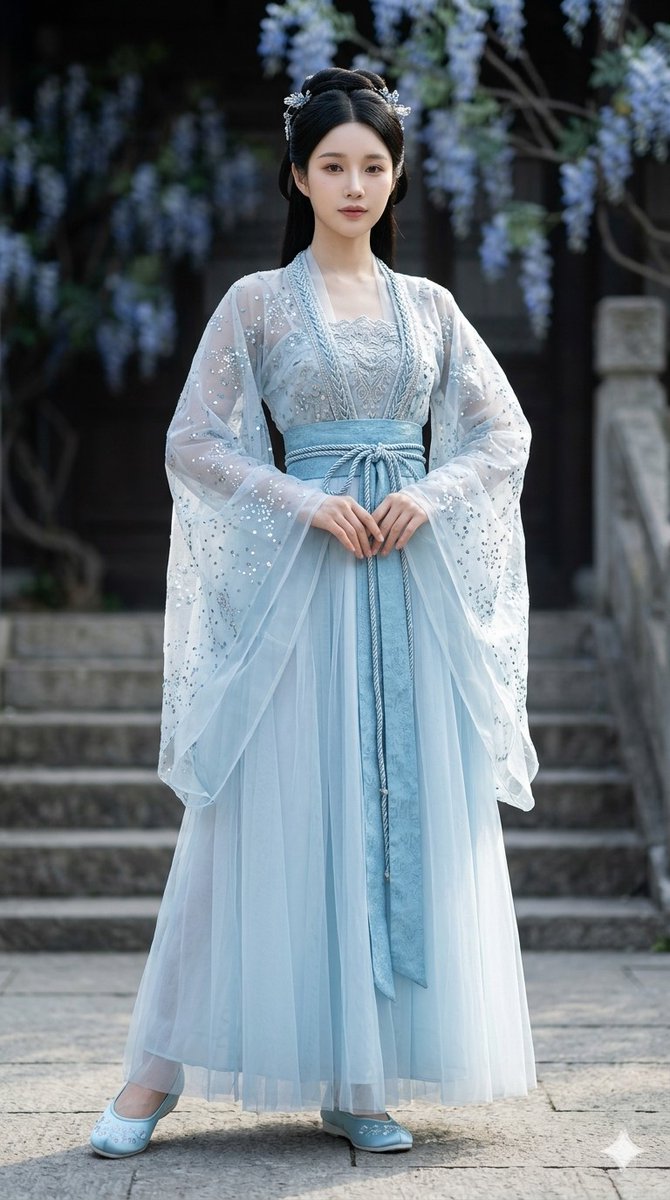
Galaxy-inspired ice-blue ruqun dress
Imported from awesome-gpt-image-2 case 173. Source: @fdtreesky
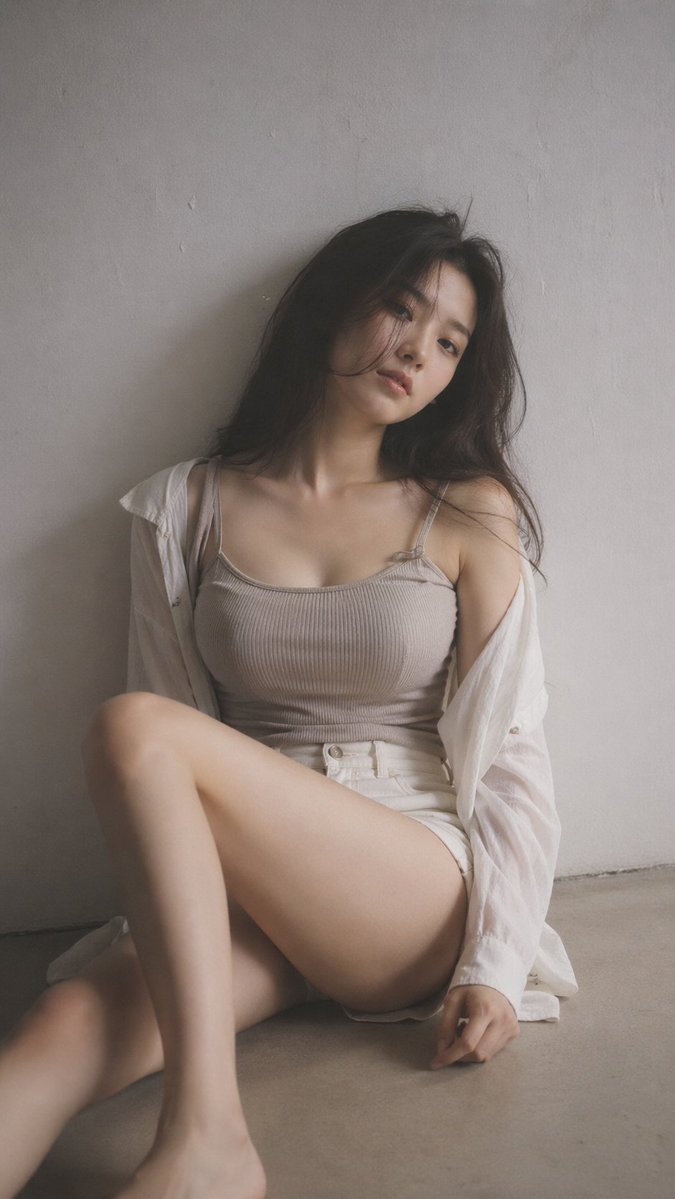
Minimal Korean portrait photography
Imported from awesome-gpt-image-2 case 187. Source: @BubbleBrain
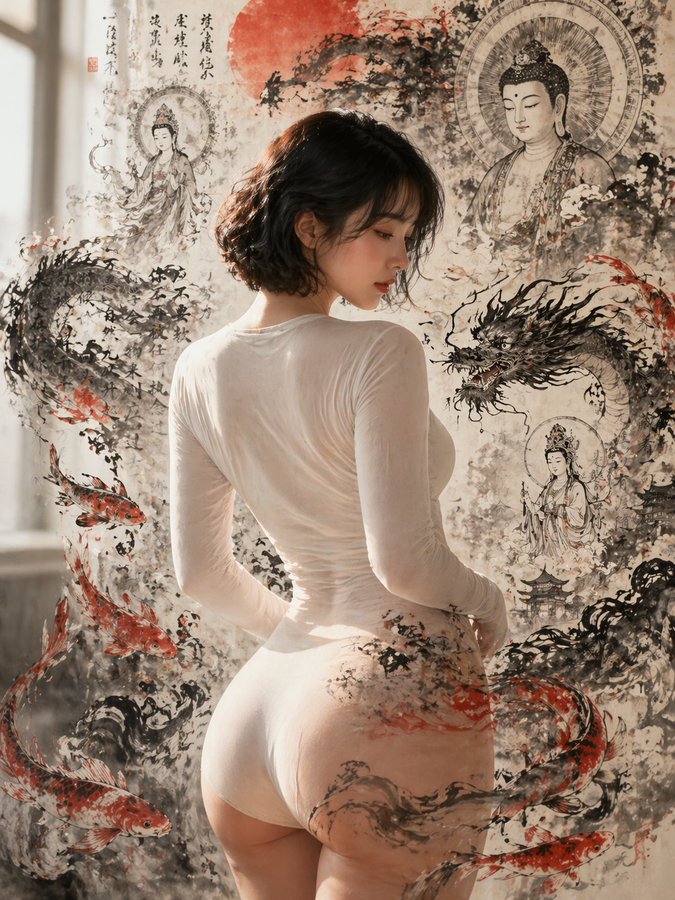
Photorealism and ink painting fusion
Imported from awesome-gpt-image-2 case 195. Source: @johnAGI168
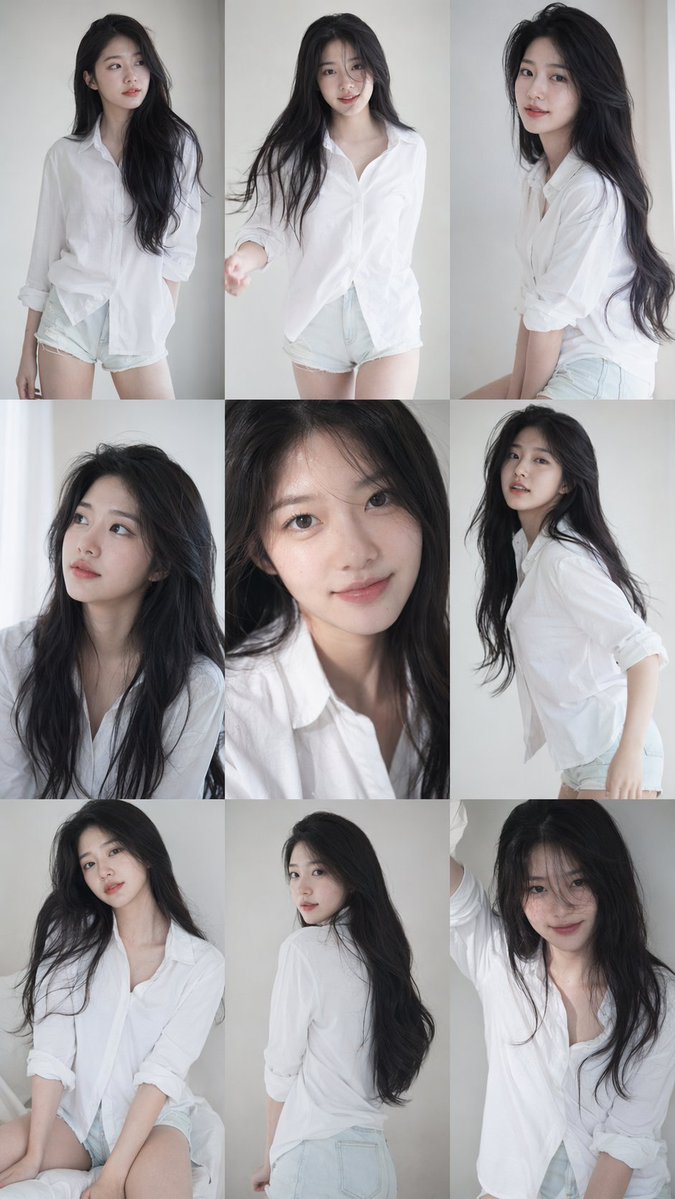
Korean idol portrait grid
Imported from awesome-gpt-image-2 case 219. Source: @BubbleBrain
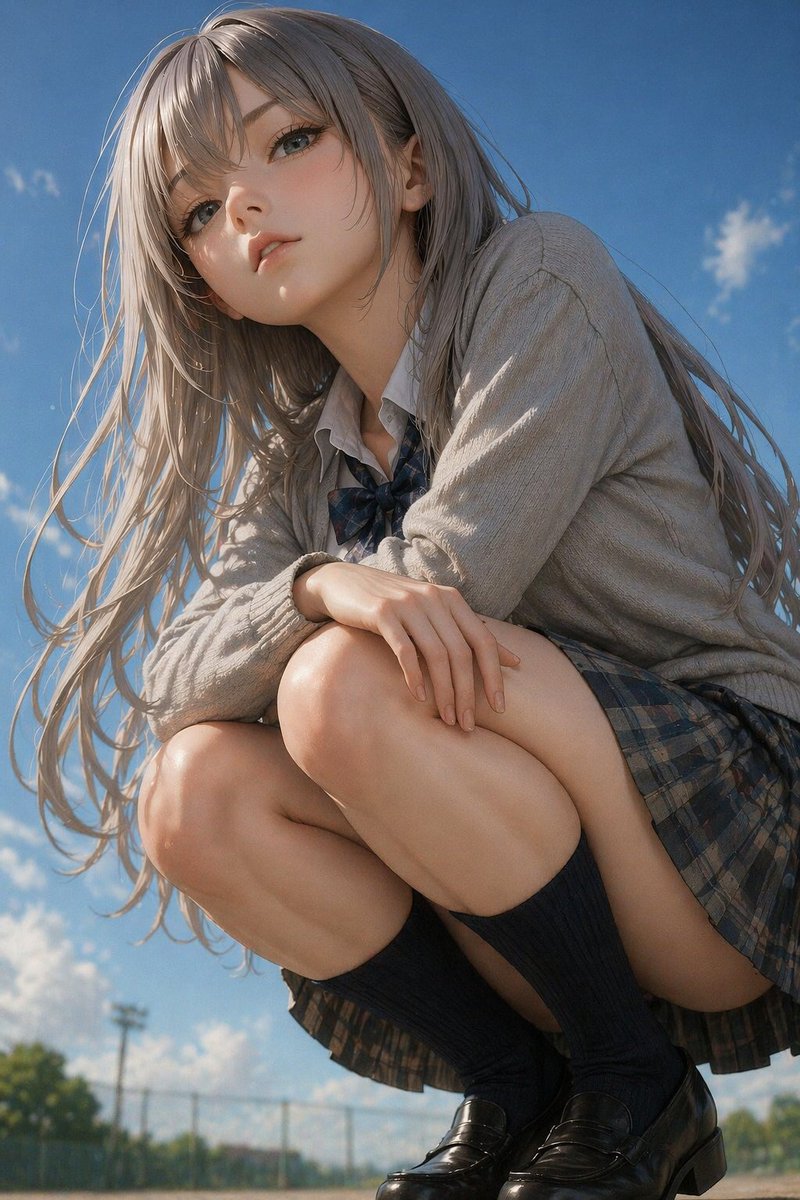
Realistic portrait photography
Imported from awesome-gpt-image-2 case 31. Source: @jun_kongo
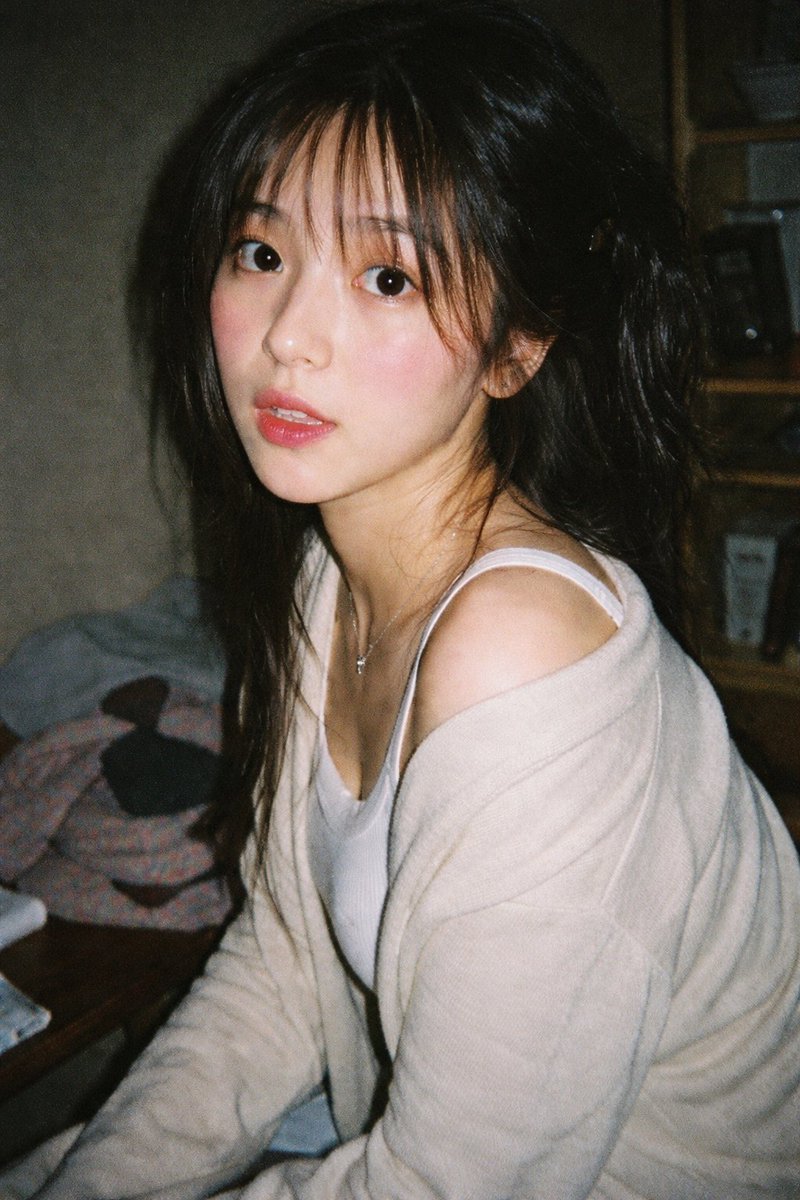
Indoor Natural Light Girl Portrait
A girl portrait photographed indoors with natural light.
AI Fashion Model Generator: frequently asked questions
Can I use this for ecommerce apparel?
It is useful for visual concepts and campaign drafts. Review final images carefully before publishing.
What details should I include?
Include garment type, fabric, color, fit, pose, background, and the final channel.
When do I need to sign in?
Reference uploads and cloud sessions require sign-in. The workspace shows the available actions for your account. A selected visitor file is not uploaded automatically after sign-in.
How do I check the price?
The price updates for your selected model, settings and output count. Review it, then choose Create. Failed paid outputs follow the applicable refund rules.
Which reference images can I use?
Use authorized JPG, PNG or WEBP images. The uploader checks file type, size and the current image limit before upload. Available reference behavior depends on the selected model.
Are the examples guaranteed results?
Illustrations show possible creative directions, not guaranteed outputs. Inspect identity, text, motion and other important details in your actual result before use.
Ready to create with AI Fashion Model Generator?
Review the credit cost before confirming each new generation.
Start creating