

1
Stage a cinematic scene
Specify the setting, light and framing for an establishing shot or product reveal using the available video settings.
Create with Kling 4.0 at 720P / 1080P · 3–30 seconds. Choose a supported input mode below and describe the subject, action and camera movement.
Start creatingReference-site example; not a verified result generated on Kitta AI.
Text to Video / First frame / First / last frames / Reference images · Reference images: 10
720P / 1080P · 3–30 seconds
Create with Kling 4.0 at 720P / 1080P · 3–30 seconds. Choose a supported input mode below and describe the subject, action and camera movement.
Specify the setting, light and framing for an establishing shot or product reveal using the available video settings.

Try a revised prompt for a different pace or mood, then compare completed clips before choosing one.

Use up to 10 reference images to communicate the subject and look; review appearance throughout the clip.
Ask for a slow push, tracking movement or change in viewpoint to support the action in your scene.
Describe how a person, object or environment should move, then check interactions and continuity in playback.
Describe dialogue, ambience or effects when using supported audio options, and listen to the generated track.
Specify the subject, composition, lighting and details to preserve. Use clear instructions for each change.
Text to Video / First frame / First / last frames / Reference images · Reference images: 10
The price updates for your selected model, settings and output count. Review it, then choose Create. Failed paid outputs follow the applicable refund rules.
Public posts about this model. These are external examples, not reviews of Kitta AI.
Kling 4.0 is coming this October. Kling 4.0 Flash is live now for Ultra Yearly subscribers. Kling 4.0…
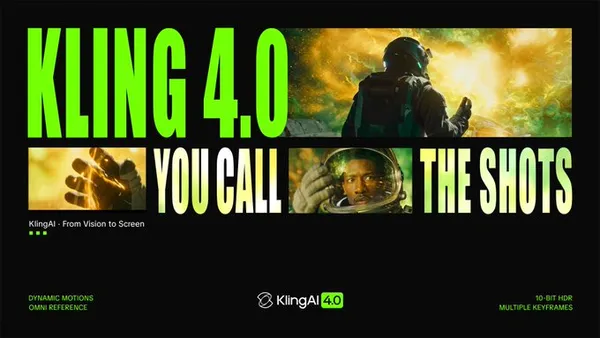
OMG! @Kling_ai 4.0 is OUT TODAY !!!! I made this musicvideo with it! Here is everything you need…

Kling 4.0(可灵 4.0)来了。快手可灵的下一代视频模型 已知特性: 1. 标准时长翻倍:单段生成最长到 30 秒(3.0 系列常见上限约 15 秒)。 2. 多参考:文字、图片、已有视频等,官方说法是十几种参考输入。 3. 关键帧:最多 10 个 keyframe,用来钉住一段里几个关键画面,中间运动由模型补。…
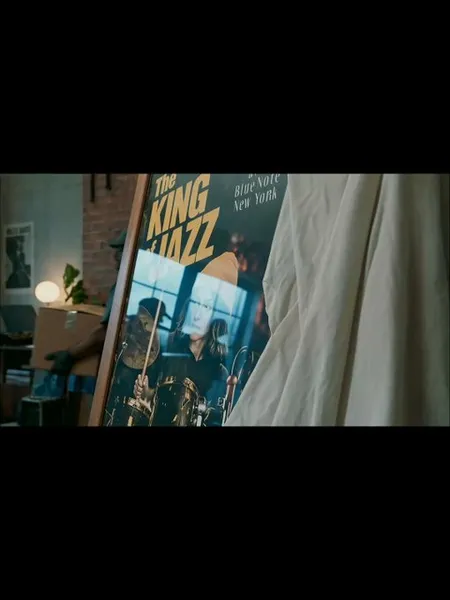
The wait is over. The rhythm is back. THE BEAT, created with Kling 4.0, follows a drummer’s journey…
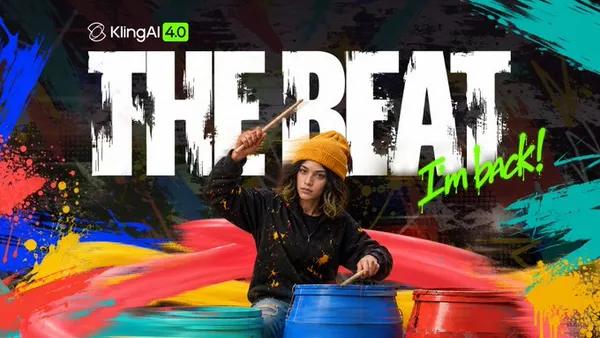
I've tried out Kling 4.0 flash and it didn't disappoint! Fast movement has seen a huge improvement compared…

What interests me about Kling AI 4.0 is the combination of native 30-second generation and up to 10…
Text to Video / First frame / First / last frames / Reference images · Reference images: 10
720P / 1080P · 3–30 seconds
The price updates for your selected model, settings and output count. Review it, then choose Create. Failed paid outputs follow the applicable refund rules.
Examples illustrate creative directions. Results vary with the model, prompt and source images; inspect your own output before use.
Reference uploads and cloud sessions require sign-in. The workspace shows the available actions for your account. A selected visitor file is not uploaded automatically after sign-in.
Specify the subject, composition, lighting and details to preserve. Use clear instructions for each change.
Use images you have permission to use. Keep their order intentional and describe how each should influence the result.
Review the first result, adjust your instructions and create another version when needed.
Keep important wording explicit. Check spelling, spacing and composition before publishing.
Yes
Create with Kling 4.0 at 720P / 1080P · 3–30 seconds. Choose a supported input mode below and describe the subject, action and camera movement.
Start creating