Create a clean logo concept for [brand], [industry], minimal geometric symbol, [color palette], premium typography, white background.
Use this promptAI Logo Generator
Generate logo ideas, brand marks, VI directions, typography concepts, and visual identity drafts with GPT Image 2.5. Explore styles quickly before refining the final brand system.
Loading…
Explore ideas with AI Logo Generator
Brand name + industry + personality + symbol idea + color palette + typography direction + usage context.

Logo ideation for new products, studios, and campaigns.
Brand mark explorations with color and typography direction.
VI mood boards for packaging, posters, and social use.
Quick visual identity drafts before manual design refinement.
Prompt ideas for AI Logo Generator
Design a visual identity board for [brand], include logo mark, color palette, typography, packaging touchpoints, modern layout.
Use this promptGenerate three brand mark directions for [brand personality], simple vector style, high legibility, no mockup clutter.
Use this promptHow to use AI Logo Generator
- 1
Start with an idea or reference
Write the subject, scene and intended change. Sign in before uploading a reference image you own or may use.
- 2
Choose settings and review the quote
Choose the available model and output settings in the workspace. Get a quote, check the credit cost and explicitly confirm to start.
- 3
Review the result
Preview the completed task and download an available output. Check details before publishing; start another version only when you choose to.
Published scene examples
Explore published gallery images for inspiration. Review the actual output yourself; these examples do not guarantee your result.

Portrait branding study
人物肖像品牌
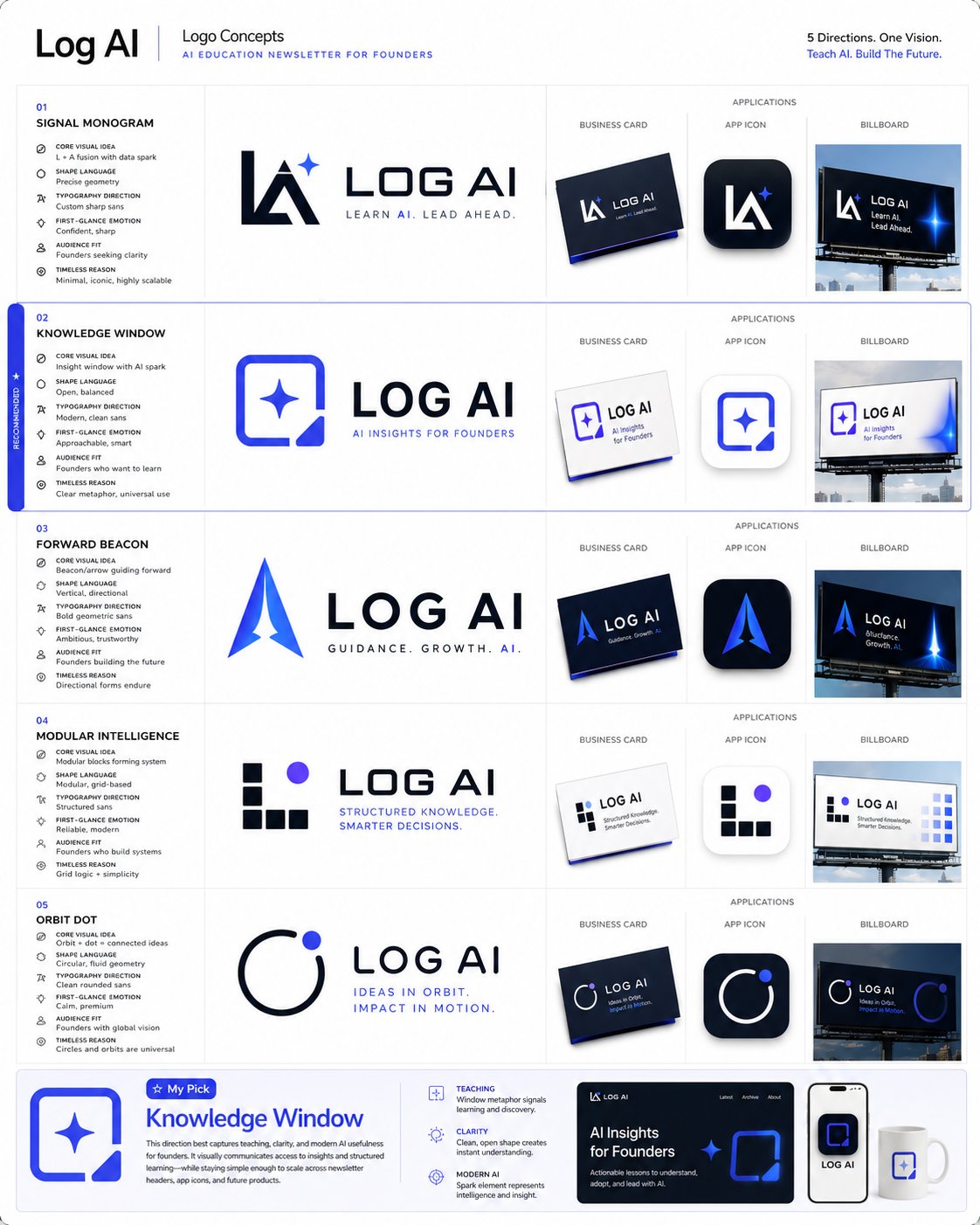
Logo and brand identity prompt collection
Imported from awesome-gpt-image-2 case 354. Source: @wanerfu
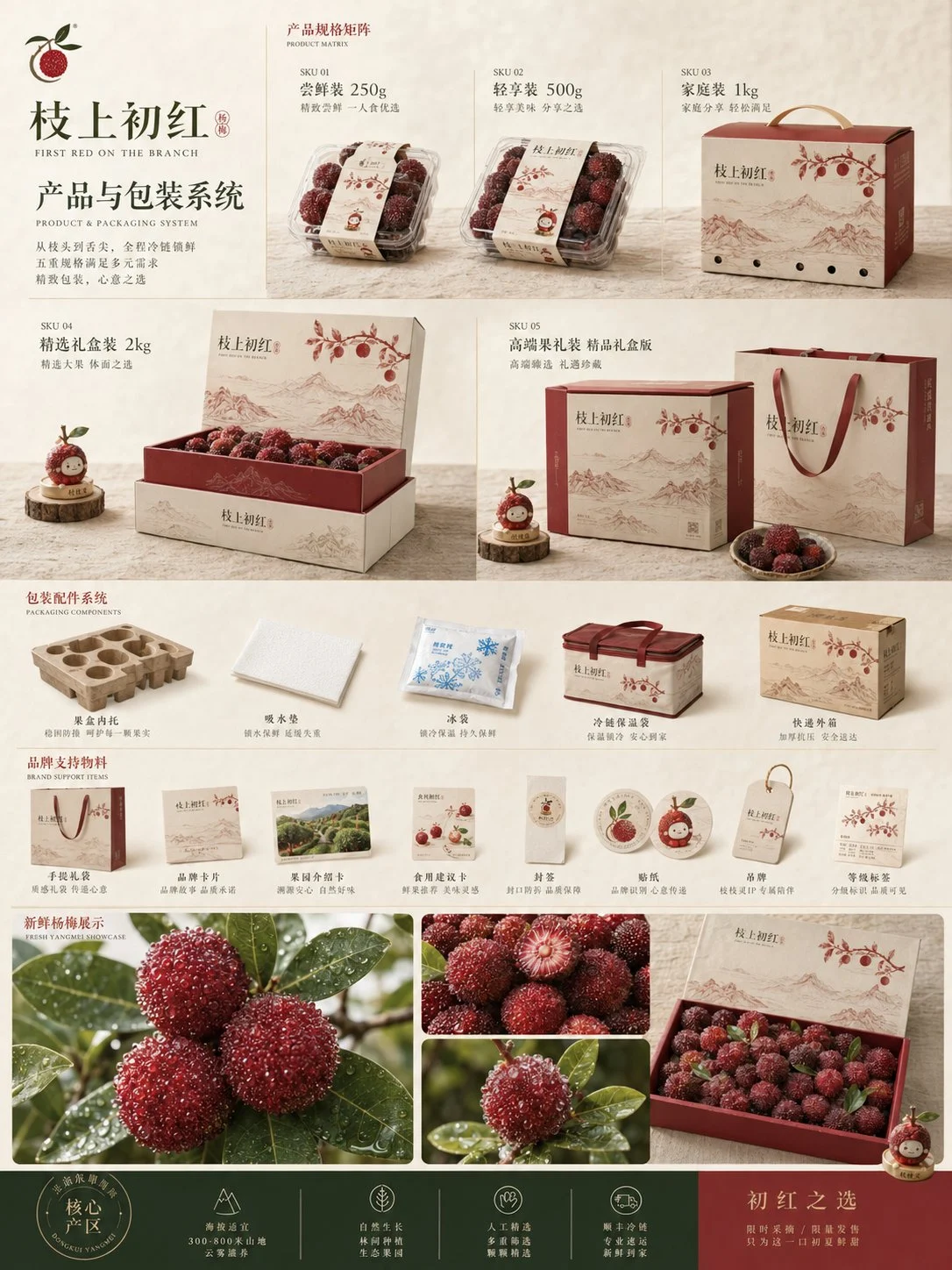
Bayberry packaging system
鲜果电商商品化提案
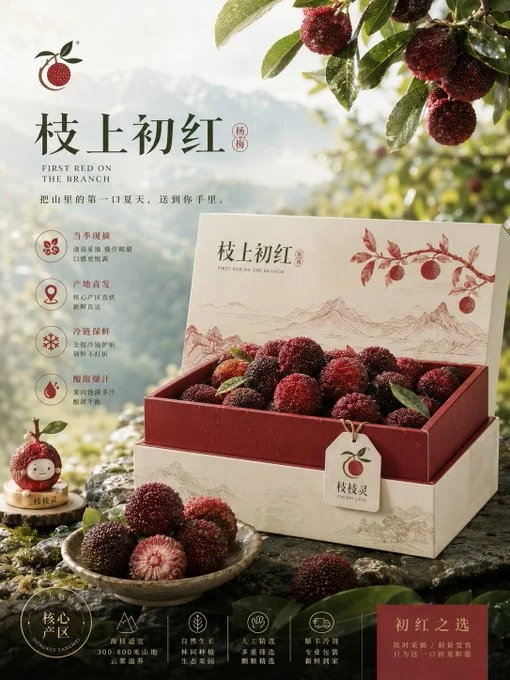
Bayberry gift box campaign
鲜果电商商品化提案
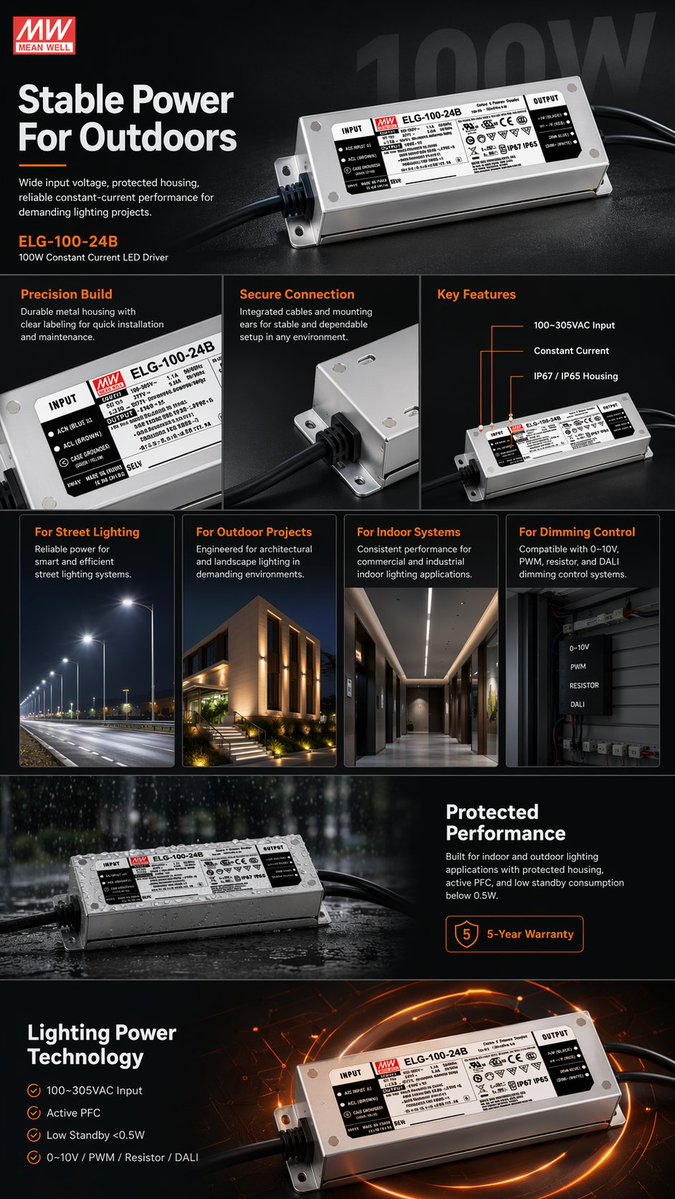
E-commerce product display design
Imported from awesome-gpt-image-2 case 157. Source: @AmberPromptai
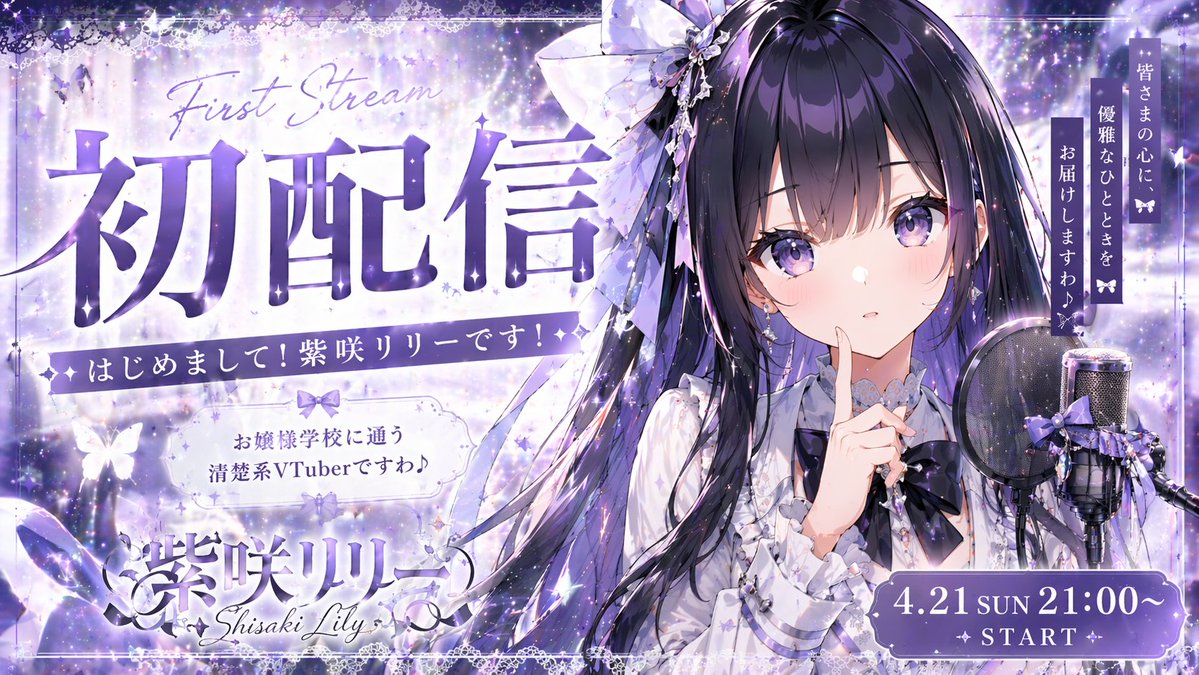
Anime Debut Stream Promo Poster
A promotional poster for an anime character debut stream.
AI Logo Generator: frequently asked questions
Can AI output a final production logo?
Use AI for exploration and direction, then review and refine the final mark before legal or commercial use.
What makes a logo prompt stronger?
Include brand personality, symbol constraints, colors, typography style, and where the logo will be used.
When do I need to sign in?
Reference uploads and cloud sessions require sign-in. The workspace shows the available actions for your account. A selected visitor file is not uploaded automatically after sign-in.
How do I check the price?
The price updates for your selected model, settings and output count. Review it, then choose Create. Failed paid outputs follow the applicable refund rules.
Which reference images can I use?
Use authorized JPG, PNG or WEBP images. The uploader checks file type, size and the current image limit before upload. Available reference behavior depends on the selected model.
Are the examples guaranteed results?
Illustrations show possible creative directions, not guaranteed outputs. Inspect identity, text, motion and other important details in your actual result before use.
Ready to create with AI Logo Generator?
Review the credit cost before confirming each new generation.
Start creating