
1
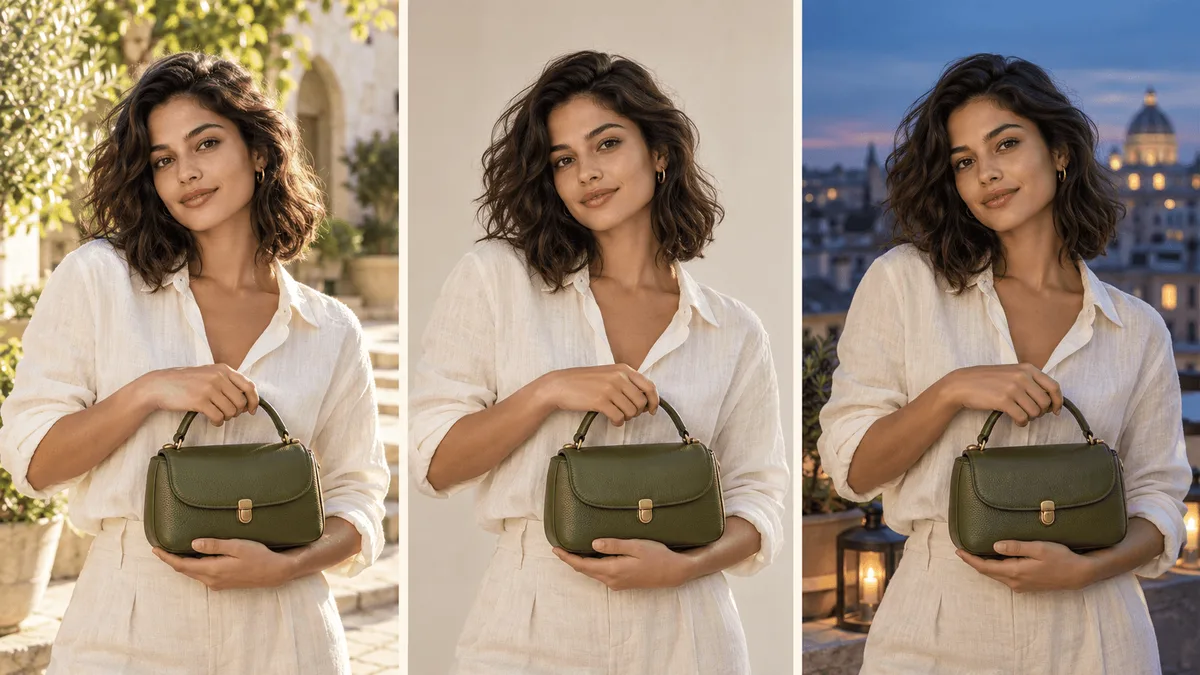
Explore a subject in new settings
Use a portrait or product reference to try different surroundings, colors and lighting; compare the details across results.
Explore portraits, product scenes and image edits with Nano Banana 2.1. Use references to guide the subject, then describe the changes you want.
Start creatingLoading…
Reference-site example; not a verified result generated on Kitta AI.
Text or up to 10 image references. JPG, PNG and WEBP, up to 10 MB per image.
1K / 2K / 4K
Explore portraits, product scenes and image edits with Nano Banana 2.1. Use references to guide the subject, then describe the changes you want.
Use a portrait or product reference to try different surroundings, colors and lighting; compare the details across results.
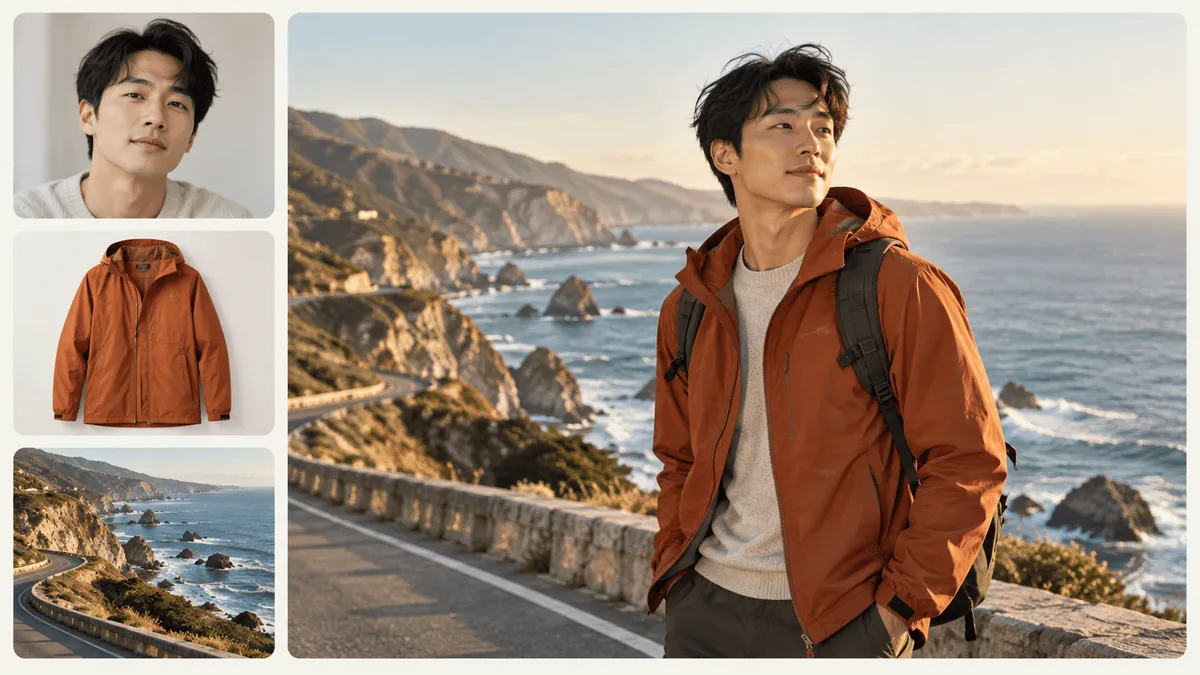
Combine up to 10 images and explain which should guide the subject, composition or style.
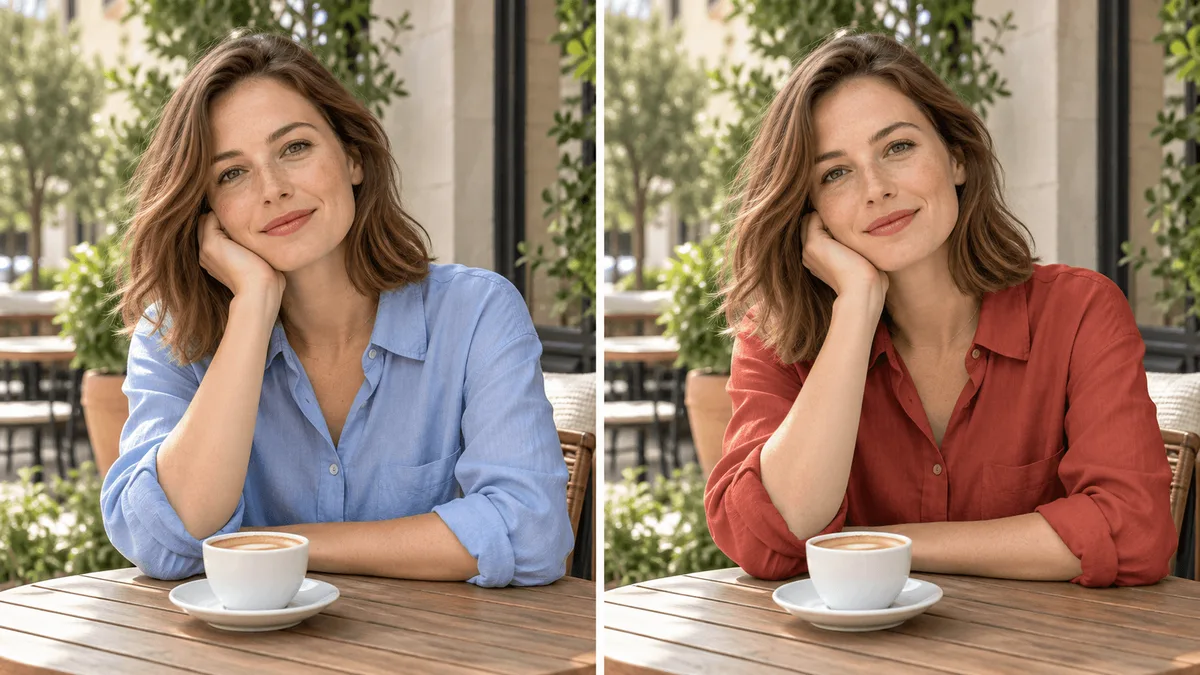
Ask for a different outfit, object or background, and identify the parts of the original image you want to keep.
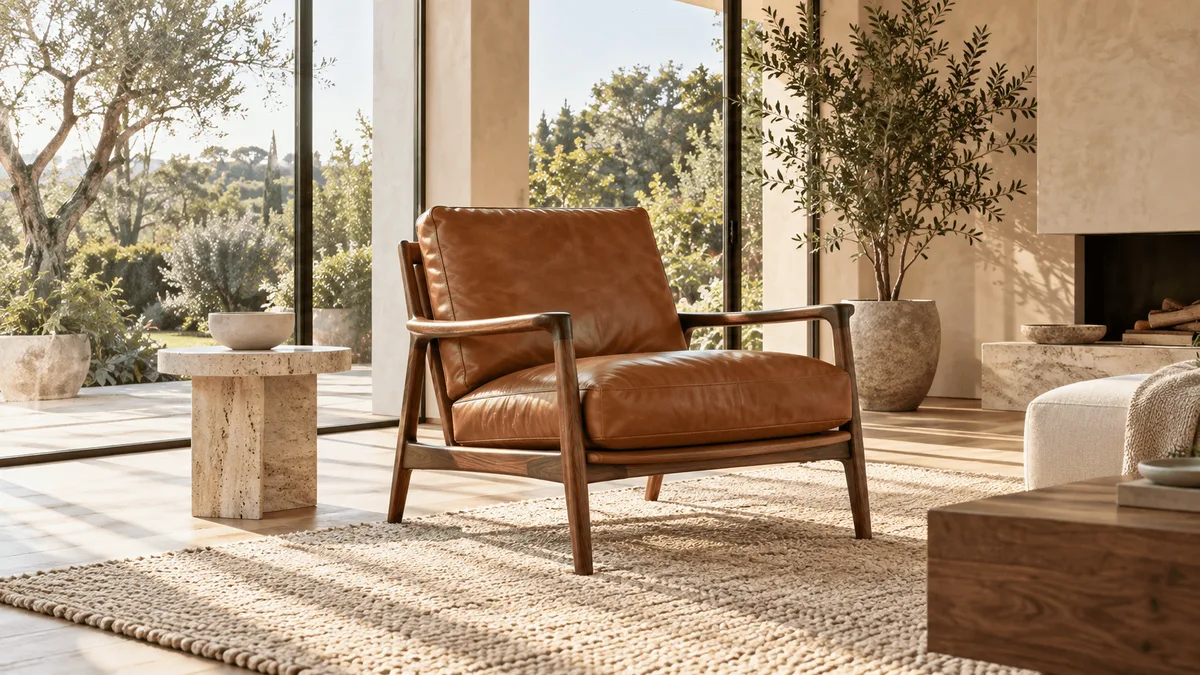
Describe fabric, surface finish and lighting for product or interior concepts, then choose an available output size.
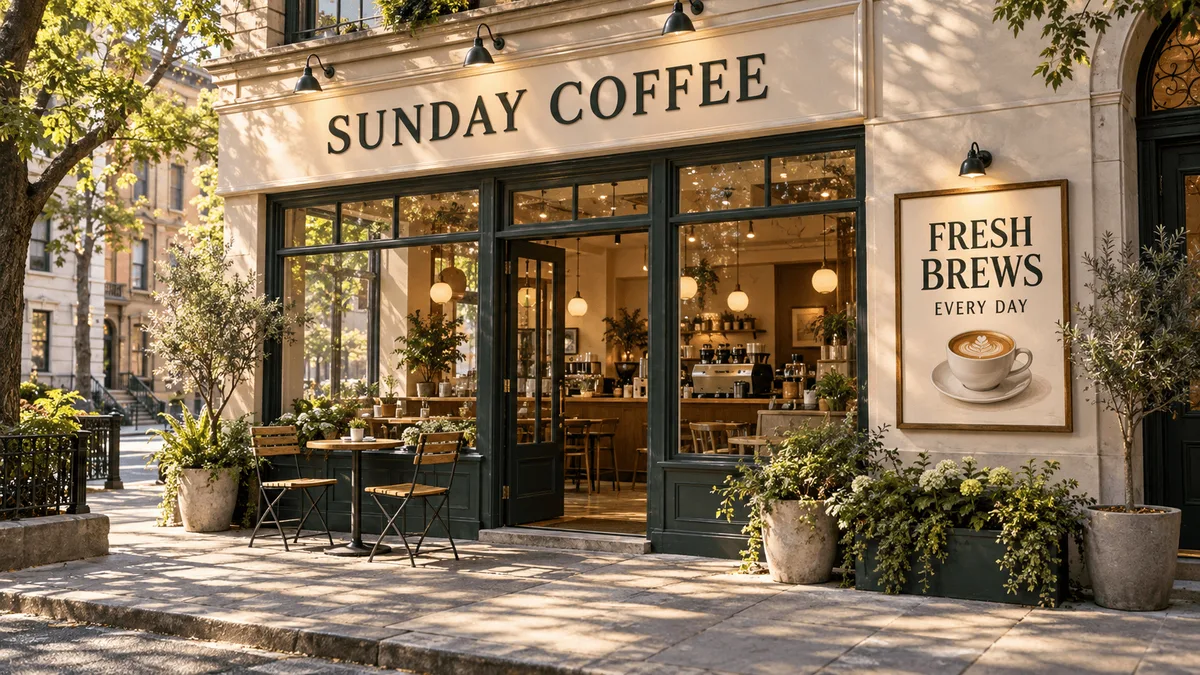
Supply the exact headline or label for a poster or storefront concept, then review the spelling and placement.
Choose Nano Banana 2.1 and decide whether to create a new scene or edit an existing image.
Upload useful references and describe the subject, setting and details to change or retain.
Choose available settings, generate an image and inspect the subject and text before downloading.
This comparison lists the settings selectable on this site. Availability depends on the model and mode; it does not rank output quality or speed.
| Available settings | Nano Banana 2.1 | Nano Banana Pro |
|---|---|---|
| Resolution | 1K / 2K / 4K | 1K / 2K / 4K |
| Duration | — | — |
| Image references | 10 | 10 |
| Audio | — | — |
| Aspect ratio | 1:1 / 3:2 / 2:3 / 4:3 / 3:4 / 16:9 / 9:16 / 21:9 / 5:4 / 4:5 / 1:4 / 4:1 / 1:8 / 8:1 | 1:1 / 3:2 / 2:3 / 4:3 / 3:4 / 16:9 / 9:16 / 21:9 / 5:4 / 4:5 |
| Input modes | Text to image / Image edit | Text to image / Image edit |
| Input | Text to image | Image edit |
|---|---|---|
| Starting point | A written description of your idea. | Your reference images and a description of the change. |
| Composition | Describe the subject, setting and framing. | Explain which composition details to keep or change. |
| Text and layout | Specify wording, placement and visual hierarchy. | Describe the wording or layout changes you need. |
| Visual style | Describe lighting, materials and colors. | Use the reference to guide the style and describe adjustments. |
| Refinement | Adjust your prompt after reviewing the result. | Reuse an available output as a reference for the next edit. |
| Before generating | Review settings, output count and the credit quote. | Check references and settings, then confirm the credit quote. |
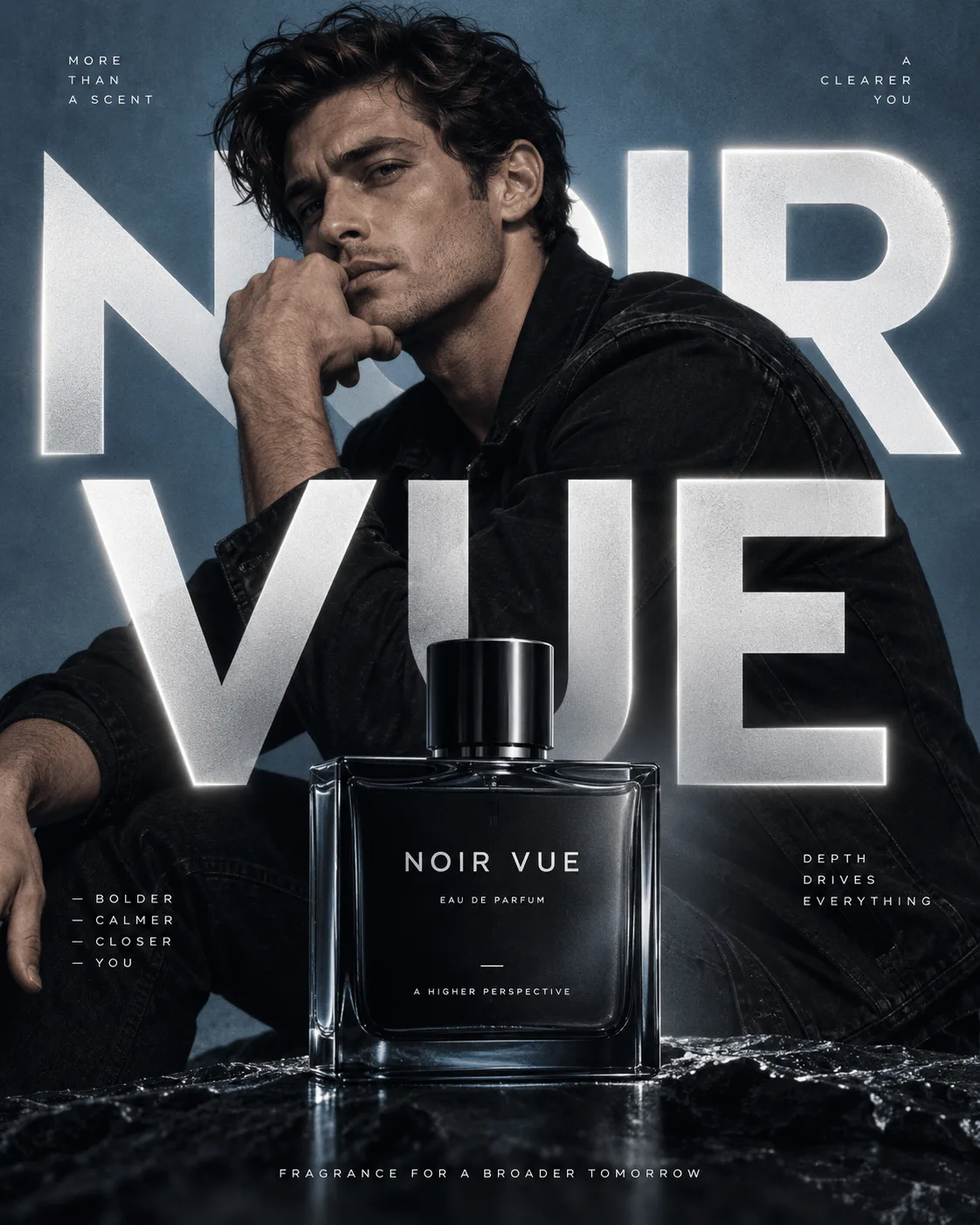
Explore portrait backgrounds, outfits and compositions for your next social post.
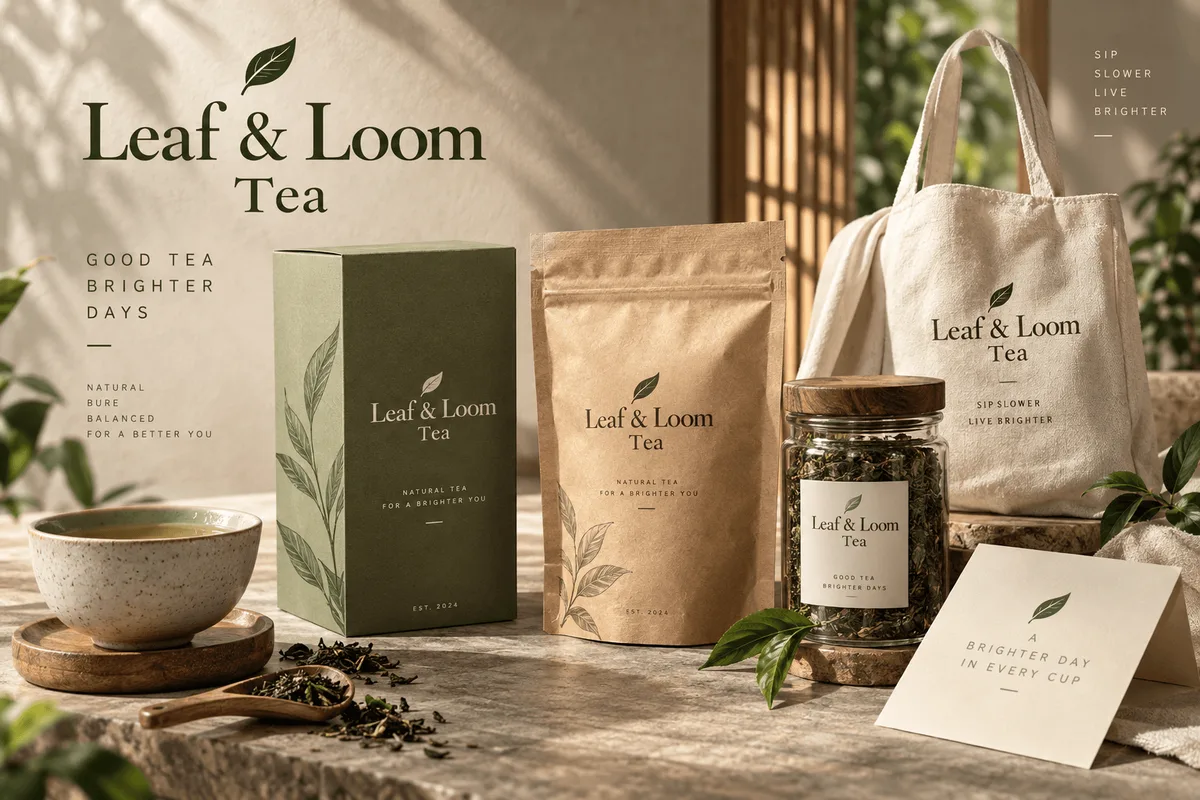
Use a product reference to plan studio and lifestyle scenes; inspect shape, materials and labels.
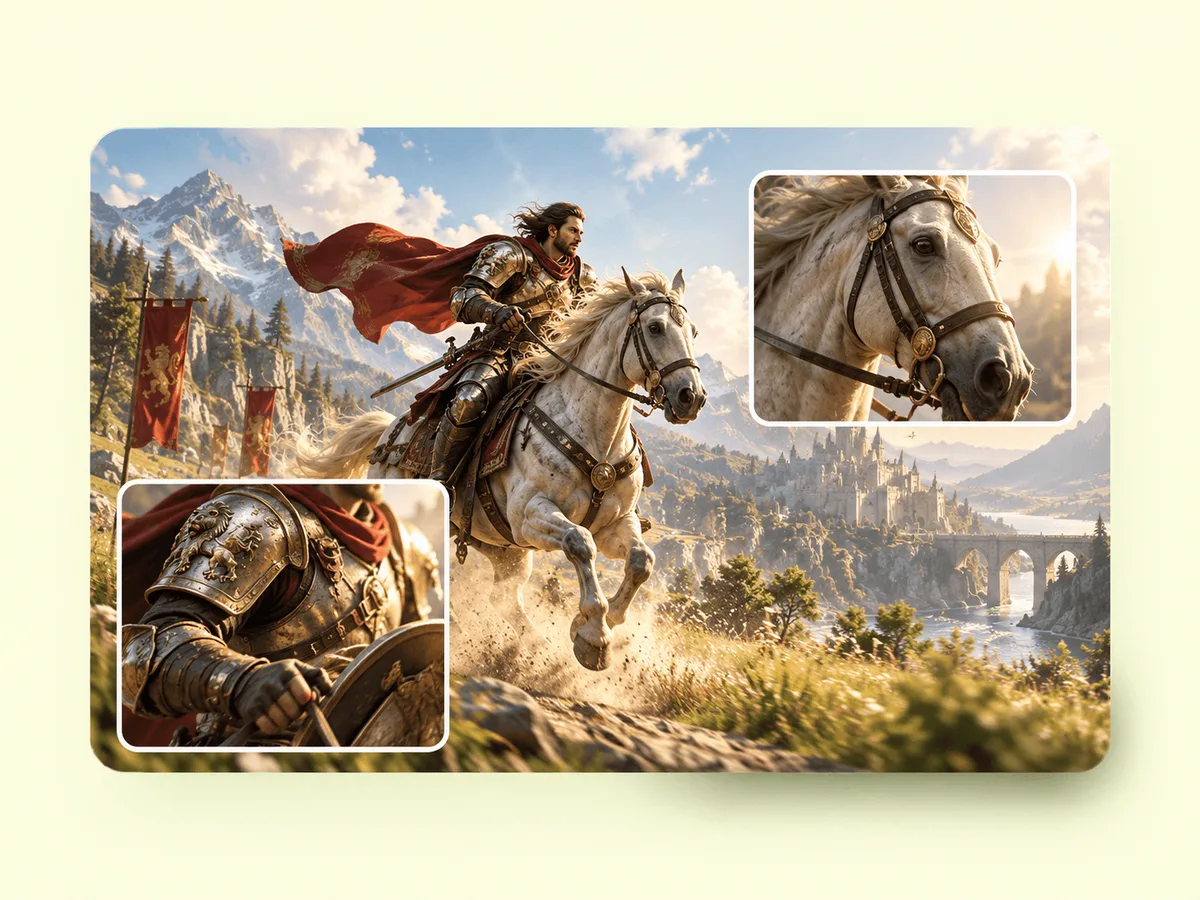
Try a new outfit, a different object or an illustrated style with a written editing brief.
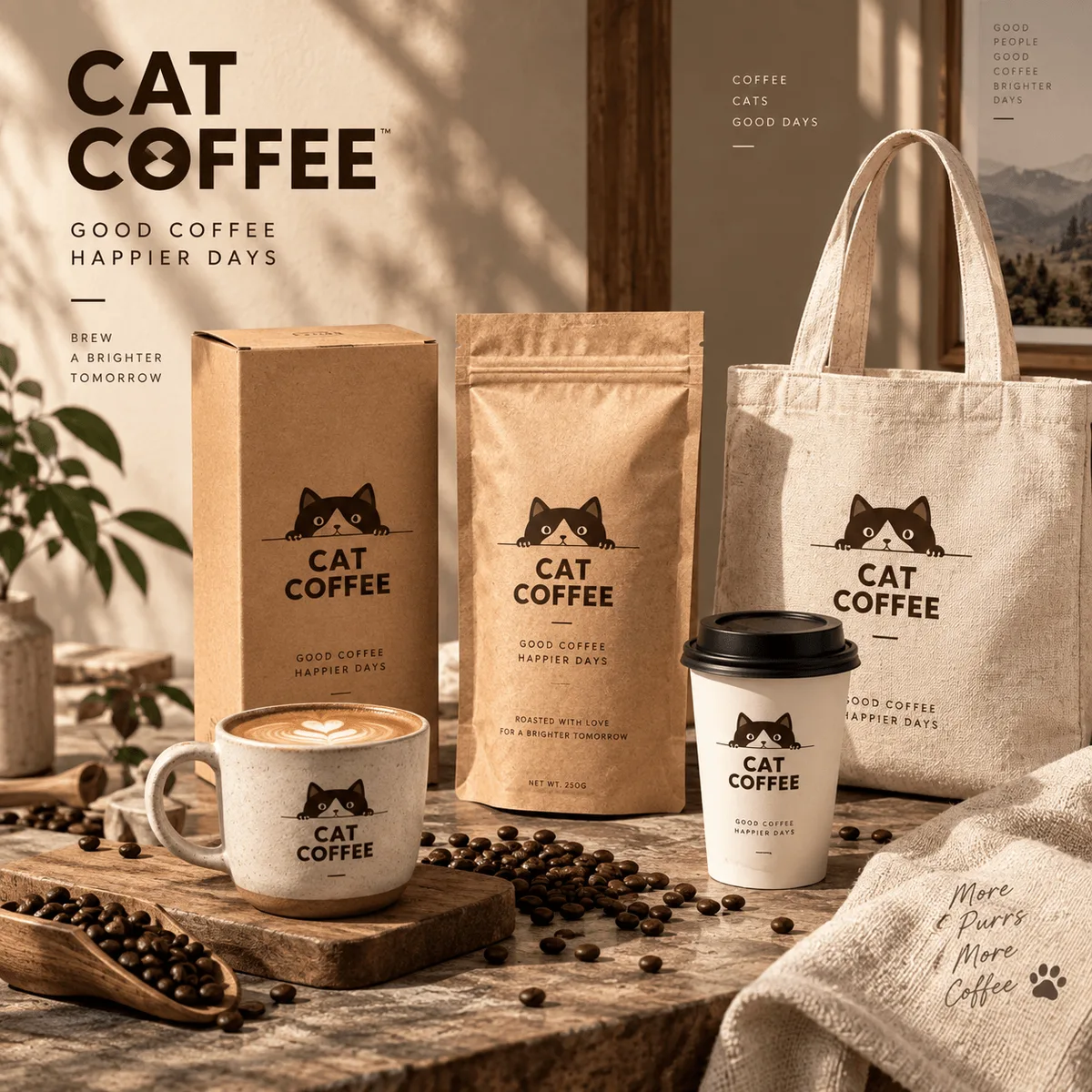
Develop related advertising concepts around a shared palette, subject and art direction.
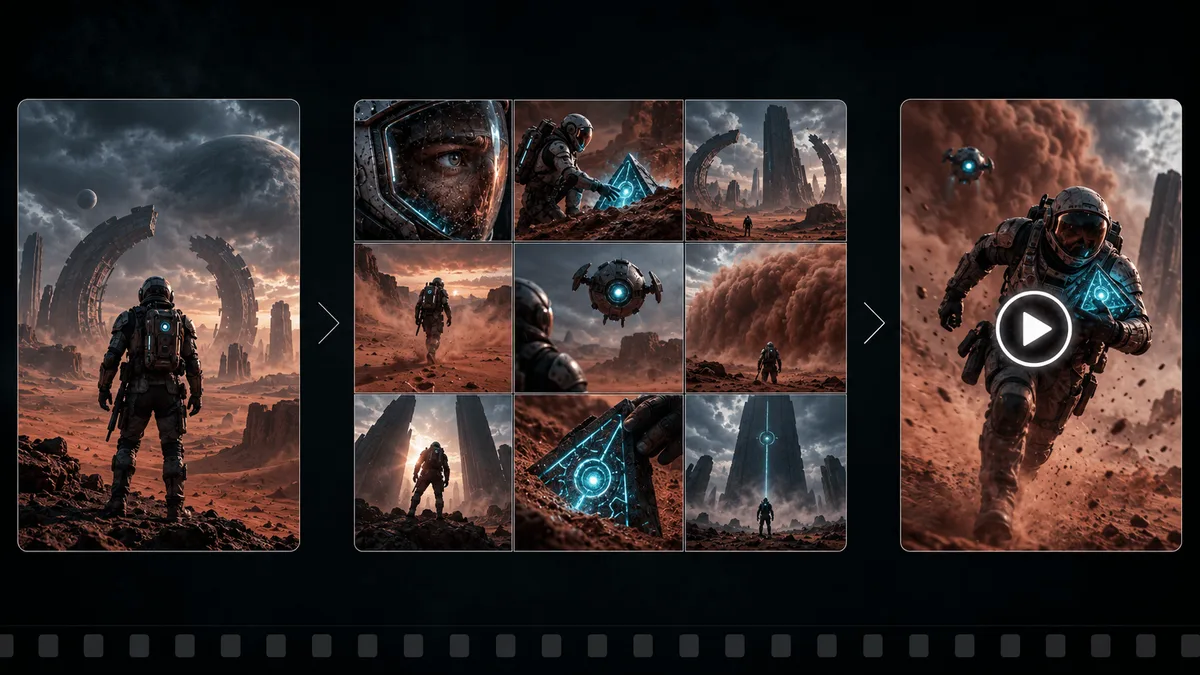
Use a character reference to explore poses and settings, checking appearance in each result.
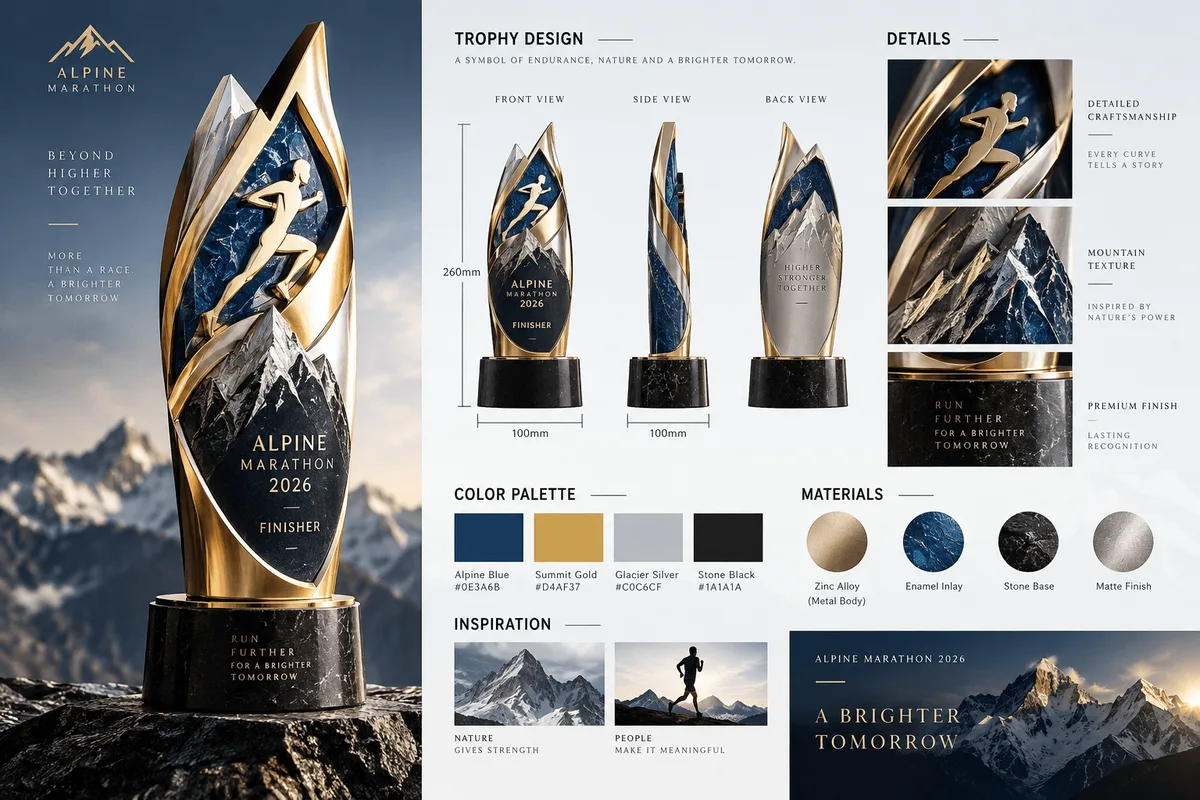
Plan headlines and product labels alongside the artwork, then proofread the finished layout.
Text or up to 10 image references. JPG, PNG and WEBP, up to 10 MB per image.
1K / 2K / 4K
The price updates for your selected model, settings and output count. Review it, then choose Create. Failed paid outputs follow the applicable refund rules.
Examples illustrate creative directions. Results vary with the model, prompt and source images; inspect your own output before use.
Explore portraits, product scenes and image edits with Nano Banana 2.1. Use references to guide the subject, then describe the changes you want.
Start creating