
1
Product visualization
Place a product in a studio scene with accurate proportions, materials and label placement.
Get a quote before generating.
Loading…
Create and edit images with MiniMax H3 Image. Start with a description or image references, choose the available settings and review the result.
Product visualization · Portrait concepts · Illustrations and story worlds · Image editing
Reference-site example; not a verified result generated on Gapti. Nano Banana ↗
Place a product in a studio scene with accurate proportions, materials and label placement.
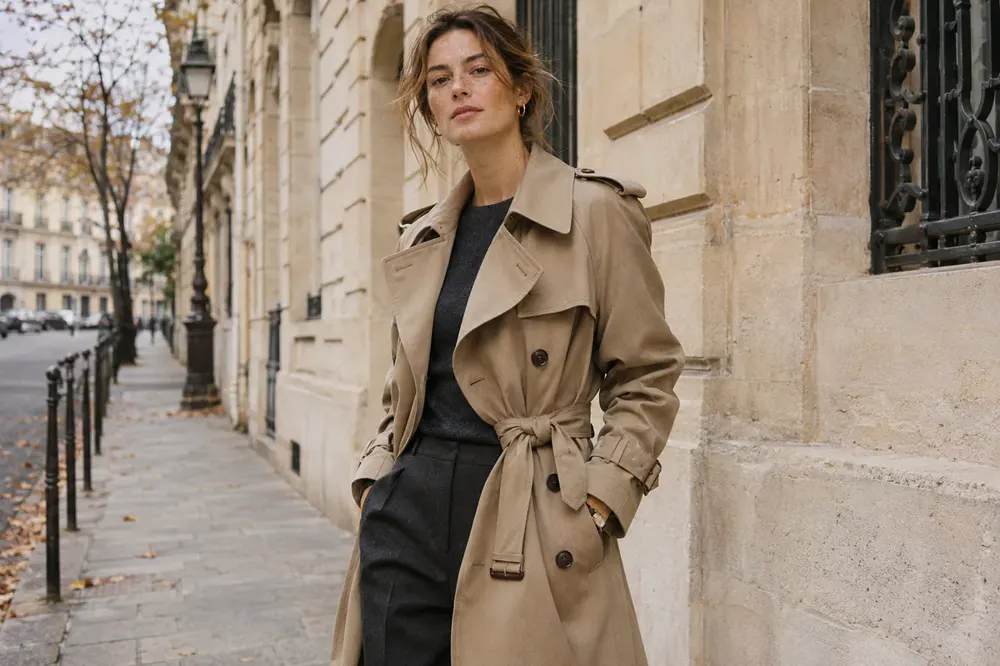
Plan a portrait with a specific expression, wardrobe, light direction and background.
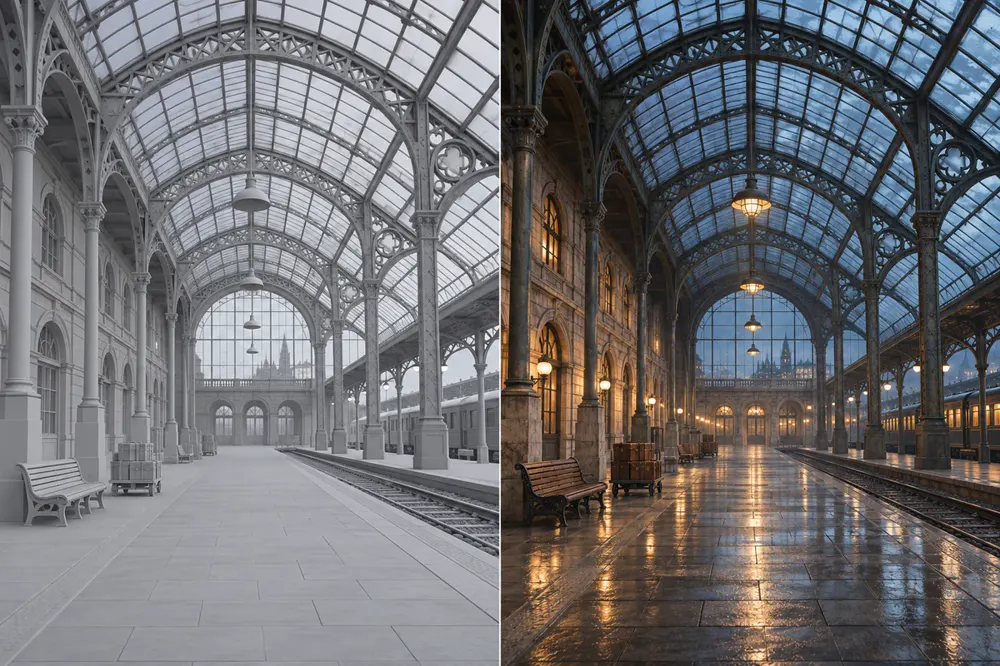
Use a reference image and describe the change while identifying the details to preserve.
Specify the subject, composition, lighting and details to preserve. Use clear instructions for each change.
Use images you have permission to use. Keep their order intentional and describe how each should influence the result.
Choose a supported resolution and aspect ratio. Inspect text, identity and fine details in the completed result.
Place a product in a studio scene with accurate proportions, materials and label placement.
2Plan a portrait with a specific expression, wardrobe, light direction and background.
3Develop an illustrated scene with a defined medium, texture and cast.
4Use a reference image and describe the change while identifying the details to preserve.
These posts and resources may cover other versions in the same family. Open the source for context; they are not results generated on Gapti.
Text to image / Image edit · Reference images: 16
1K / 2K / 4K
Create and edit images with MiniMax H3 Image. Start with a description or image references, choose the available settings and review the result.
Product visualization / Portrait concepts / Illustrations and story worlds / Image editing
Place a product in a studio scene with accurate proportions, materials and label placement. Plan a portrait with a specific expression, wardrobe, light direction and background. Develop an illustrated scene with a defined medium, texture and cast. Use a reference image and describe the change while identifying the details to preserve.
Text to image / Image edit · Reference images: 16
1K / 2K / 4K
Create and edit images with MiniMax H3 Image. Start with a description or image references, choose the available settings and review the result.
Start creatingGet a quote before generating.
Loading…