Skip to content
Gapti

Nano Banana showcase

Explore original Gapti artwork and adapt the accompanying prompts for your next image or edit.

Nano Banana 2.1

Creative examples

The artwork comes from the Gapti scenario library. The prompts and suggested models are for reuse. The models used to create the original images are unverified.

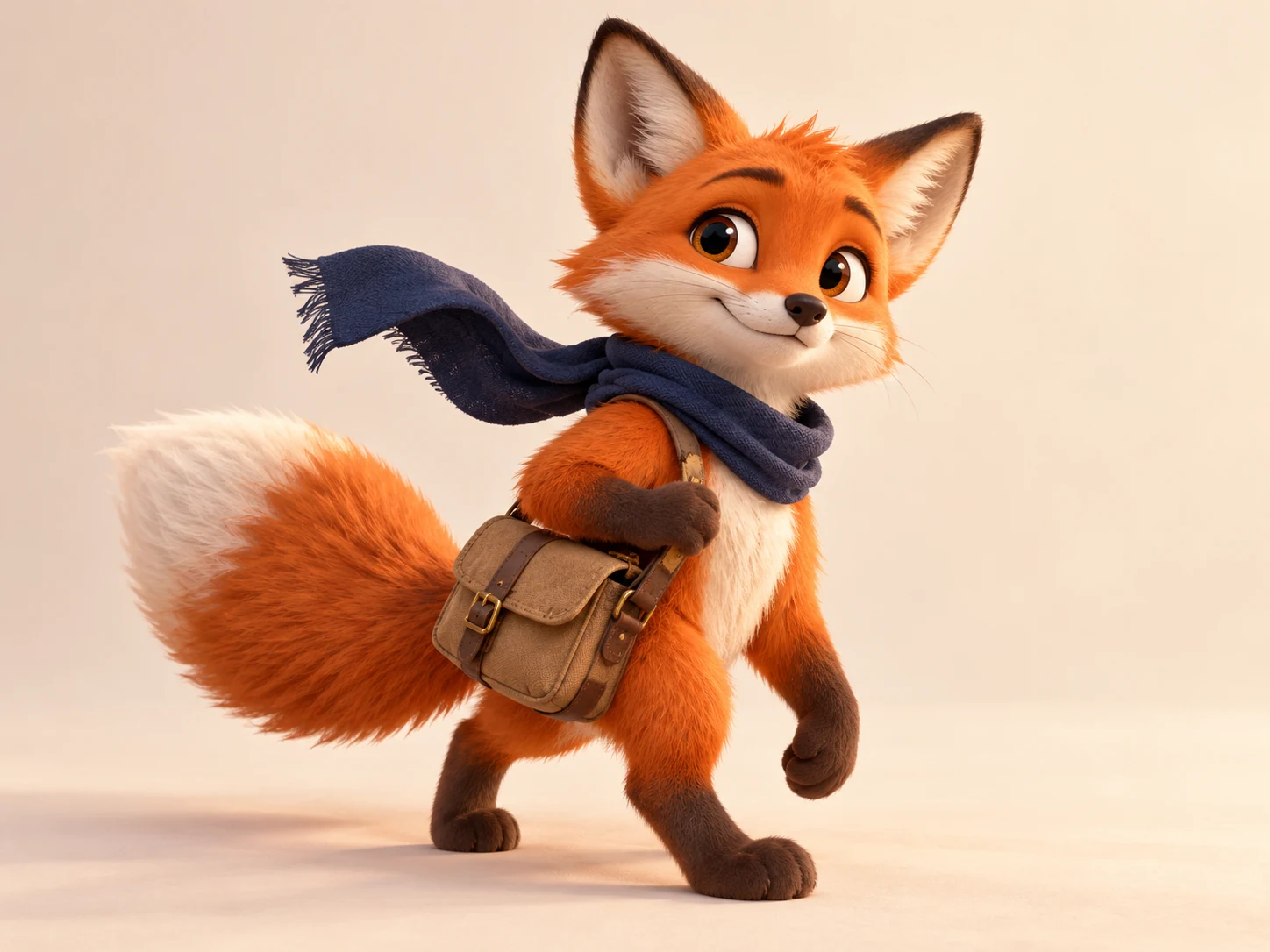
A red fox wearing a navy scarf and a leather satchel
Characters

A fox courier character

Design a full-body red fox courier in warm, stylized 3D. Give the fox a navy scarf trailing behind, a weathered leather satchel and an oversized cream-tipped tail. Catch the fox mid-stride on a pale beige studio floor with a soft shadow. Keep the silhouette readable and leave room around the ears and tail.

Nano Banana 2.1
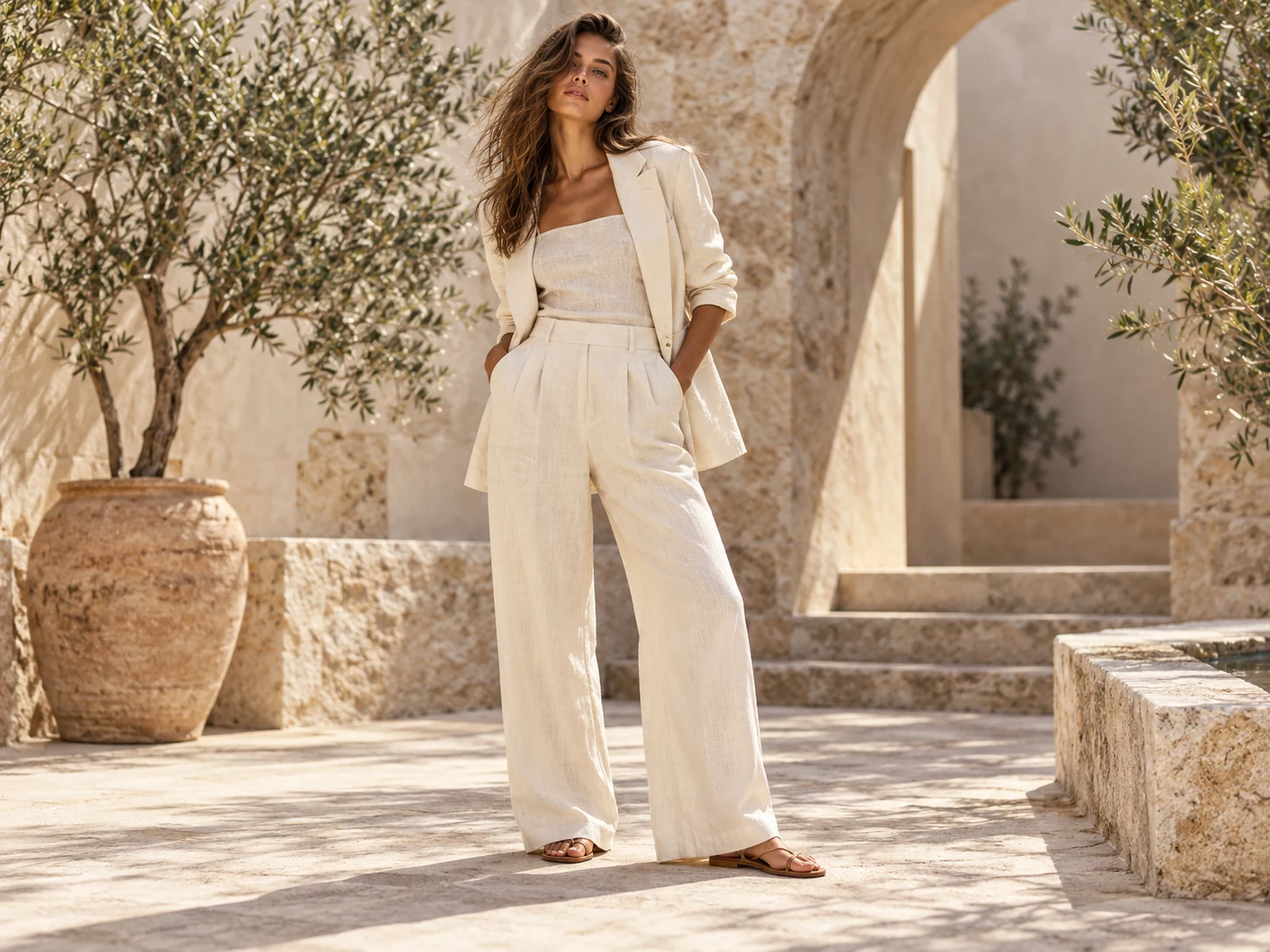
A model in cream linen standing in a sunlit stone courtyard
Photography

A linen lookbook in a stone courtyard

Photograph a full-length fashion look in a sunlit limestone courtyard. Style the model in a cream linen blazer and wide-leg trousers, with a relaxed pose and hands in pockets. Use an archway and an olive tree to frame the model. Keep the fabric texture, trouser hems and natural shadows visible.

Nano Banana 2.1

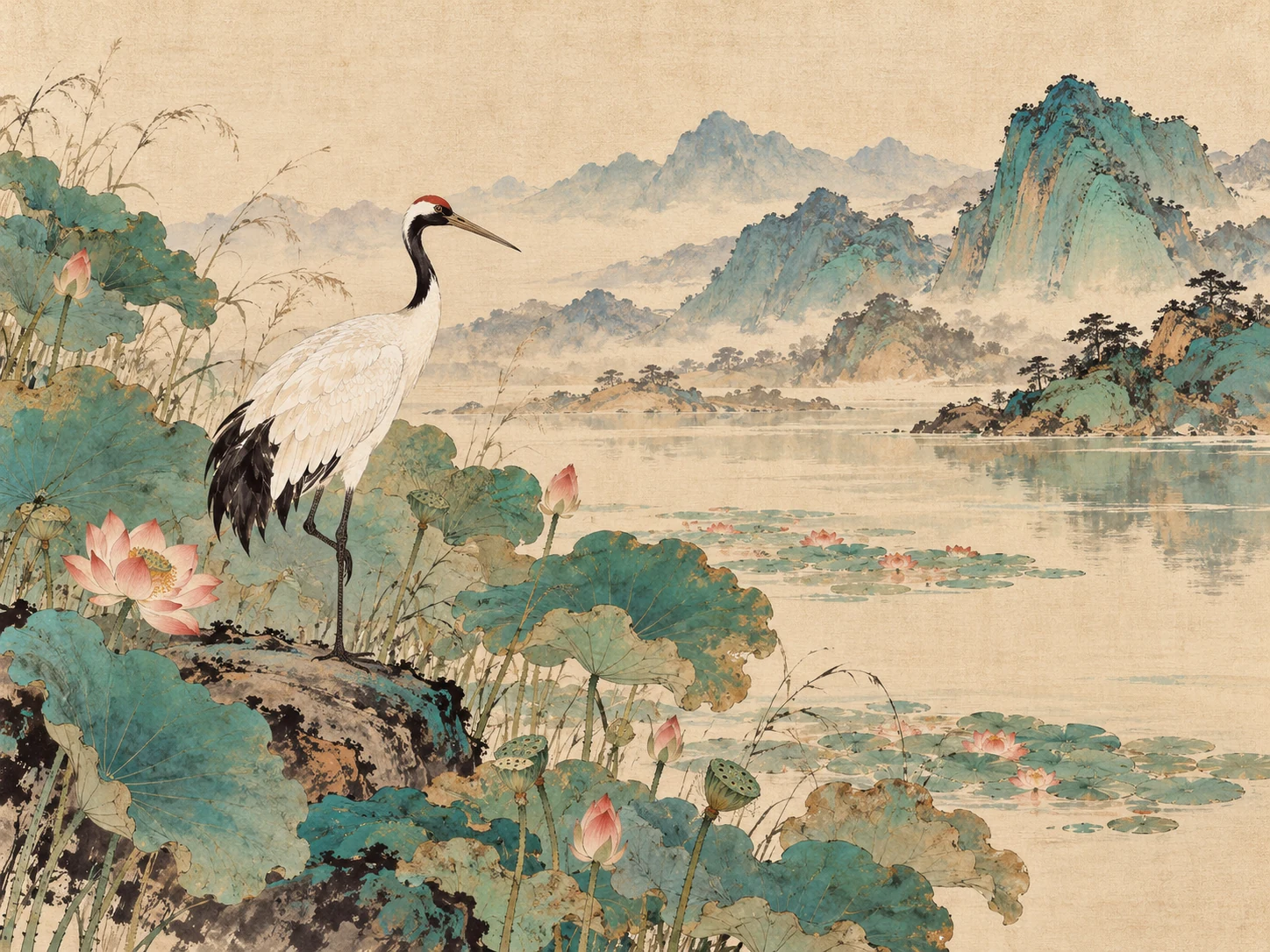
A red-crowned crane among lotus leaves with blue-green mountains across the water
Illustration

A crane beside a lotus pond

Paint a red-crowned crane at the edge of a lotus pond on textured ivory paper. Place the crane and broad lotus leaves in the lower left, with layers of blue-green mountains reflected in still water. Use mineral pigments with loose ink outlines and leave open water on the right.

Nano Banana Pro

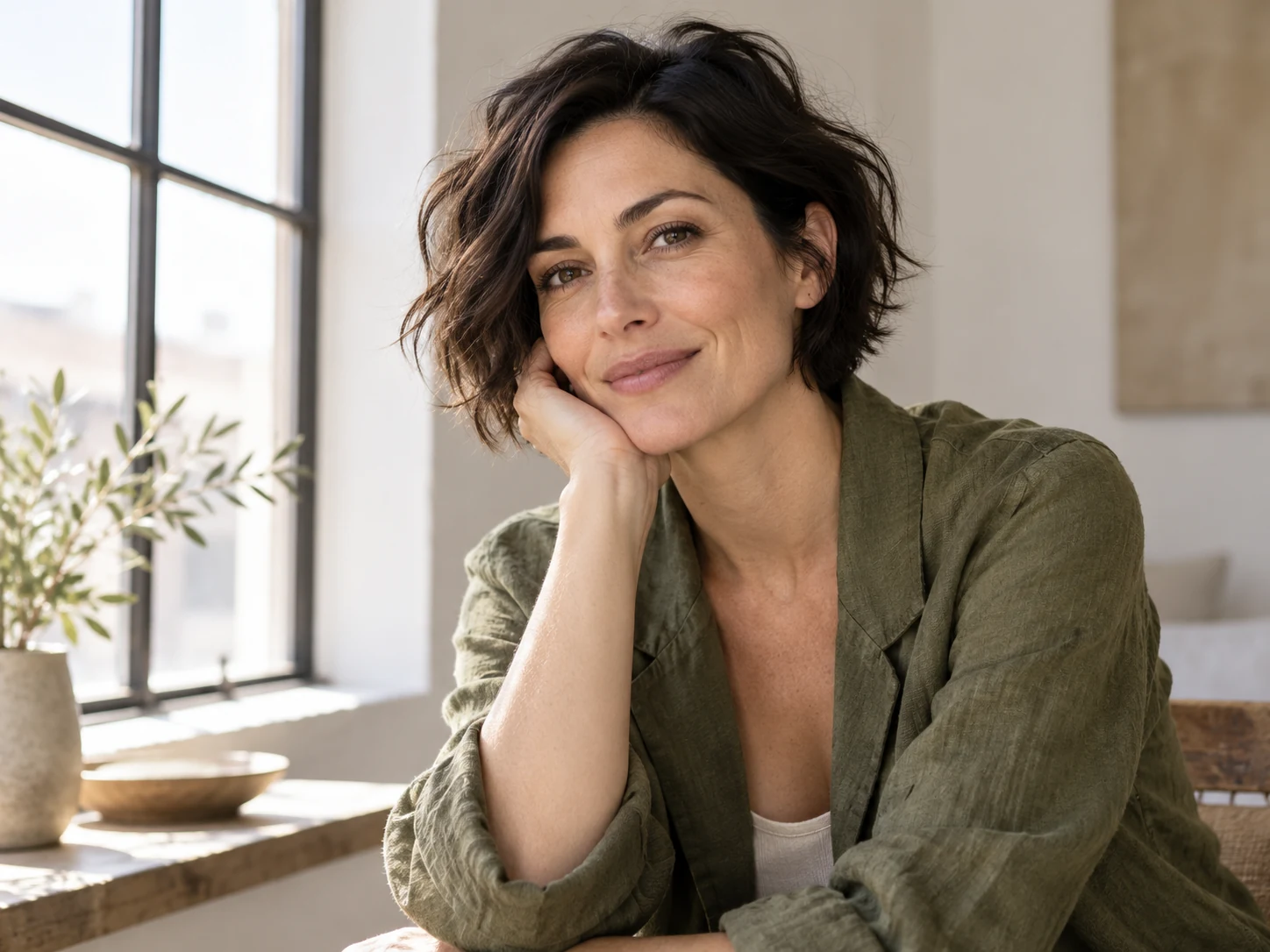
A woman in an olive-green jacket beside a sunlit window
Photo editing

A portrait by a sunlit window

Keep the person’s face, expression, pose and olive-green jacket. Replace the background with a quiet room and a tall window on the left. Match the crop and let soft afternoon light fall from the window. Preserve natural skin texture and clean edges around the hair.

Nano Banana Pro

Common questions

How do I start with a prompt?

Use the create or edit button on a card to open Gapti Studio with the suggested model and prompt filled in. You can change the prompt and settings before generating.

Can I browse and copy the prompts for free?

Yes. Browsing and copying are free. Studio shows the quote for your selected model and settings before you confirm a generation.

Will my image match the example?

The artwork illustrates a subject, mood or composition. Results vary with the model, settings and references.

Can I use my own image?

Yes. Open the portrait edit or switch to image-to-image in Studio, then add your reference. Describe what to keep and what to change.

Can I try a different model?

Yes. Choose another available model in Studio and review its settings and reference limits before generating.

Can a prompt set resolution or output count?

Use the available controls for resolution, aspect ratio, duration and output count. Writing a setting in the prompt does not enable a capability the selected model does not support.

Related models