
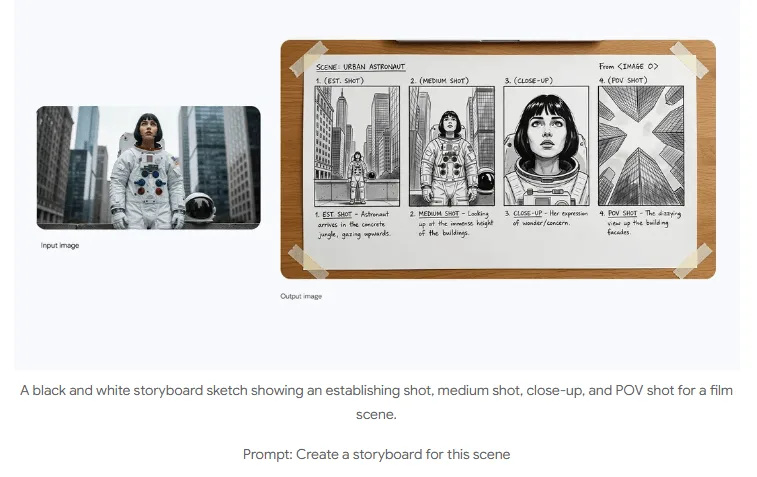
1
Turn a brief into a visual
Explain how objects relate and what the image should communicate when planning a diagram, concept illustration or campaign.
Develop detailed image briefs with Nano Banana Pro, from illustrated explanations to product mockups. Describe layout, subjects and wording together, then review the result.
Start creatingLoading…
Reference-site example; not a verified result generated on Kitta AI.
Text or up to 10 image references. JPG, PNG and WEBP, up to 10 MB per image.
1K / 2K / 4K
Develop detailed image briefs with Nano Banana Pro, from illustrated explanations to product mockups. Describe layout, subjects and wording together, then review the result.
Explain how objects relate and what the image should communicate when planning a diagram, concept illustration or campaign.
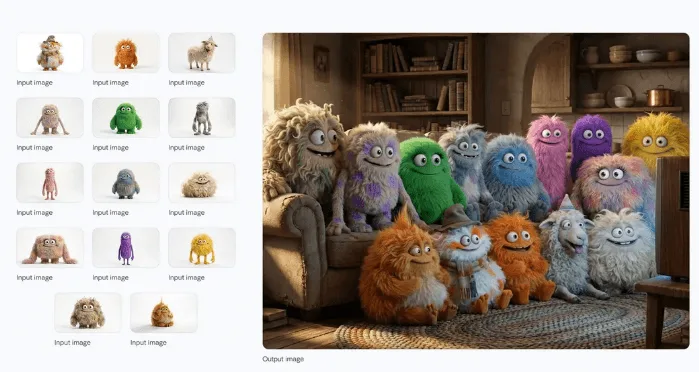
Provide a character reference and describe a new pose or setting; check appearance and proportions in each version.
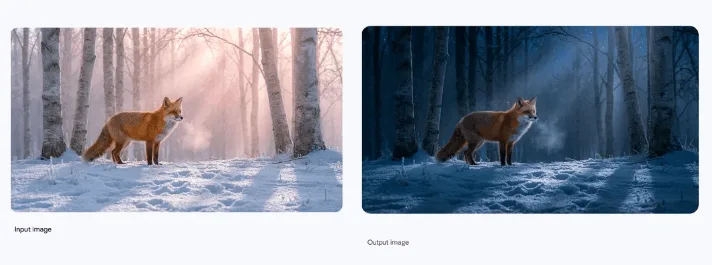
Name the viewpoint, object positions and lighting you want to retain when requesting changes to an image.
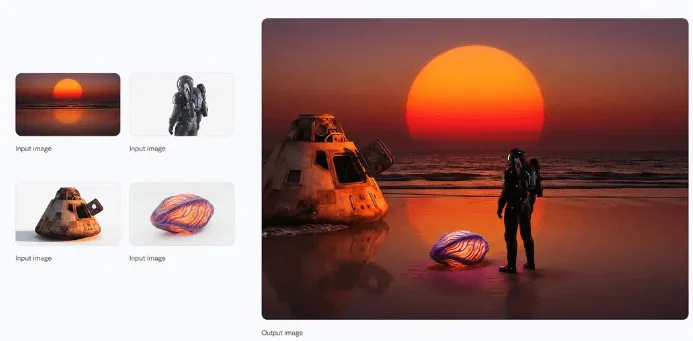
Describe reflections, shadows and surface textures to develop product mockups and design previews.
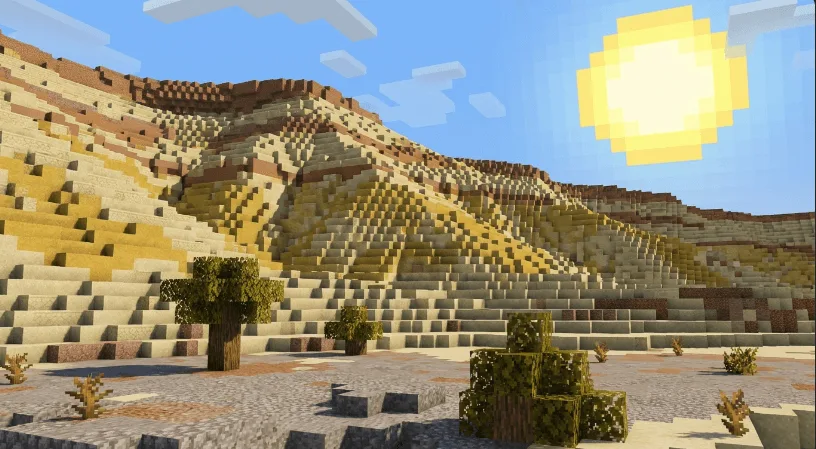
Include the intended wording and language for signs or layouts, then proofread every generated line.
Explain where people and objects belong and which details should change when composing a scene from references.
Choose Nano Banana Pro and gather references for the people, objects or layout in your idea.
Write the composition, exact wording and changes you want, including details that should remain.
Generate with available settings and review faces, object placement and text before saving.
Text or up to 10 image references. JPG, PNG and WEBP, up to 10 MB per image.
1K / 2K / 4K
The price updates for your selected model, settings and output count. Review it, then choose Create. Failed paid outputs follow the applicable refund rules.
Examples illustrate creative directions. Results vary with the model, prompt and source images; inspect your own output before use.
Reference uploads and cloud sessions require sign-in. The workspace shows the available actions for your account. A selected visitor file is not uploaded automatically after sign-in.
Specify the subject, composition, lighting and details to preserve. Use clear instructions for each change.
Develop detailed image briefs with Nano Banana Pro, from illustrated explanations to product mockups. Describe layout, subjects and wording together, then review the result.
Start creating