
1
Direct one clear action
Describe the subject, camera and progression of an action for a short narrative or promotional scene.
Create a focused video scene with Kling 3.0. Shape the action in words, use supported frame inputs and choose whether to generate audio.
Start creatingReference-site example; not a verified result generated on Kitta AI.
Text or a first frame with an optional last frame. Image references must be JPG, PNG or WEBP, up to 10 MB each.
1080p · 3–15 seconds
Create a focused video scene with Kling 3.0. Shape the action in words, use supported frame inputs and choose whether to generate audio.
Describe the subject, camera and progression of an action for a short narrative or promotional scene.
When audio is enabled, describe speech, ambience or effects and review how the sound fits the completed clip.
Use a start image and an optional end image in supported modes to suggest framing and the desired visual change.
Choose Kling 3.0 and write the action, or add frame images in a supported input mode.
Select an available duration and aspect ratio, then set the audio option for your scene.
Watch the entire result and check the framing and audio before saving your clip.
Public posts about this model. These are external examples, not reviews of Kitta AI.
Stop waiting for Seedance 2.0 access. Kling 3.0 does native 1080p, multi-shot sequences, and audio generation in one…
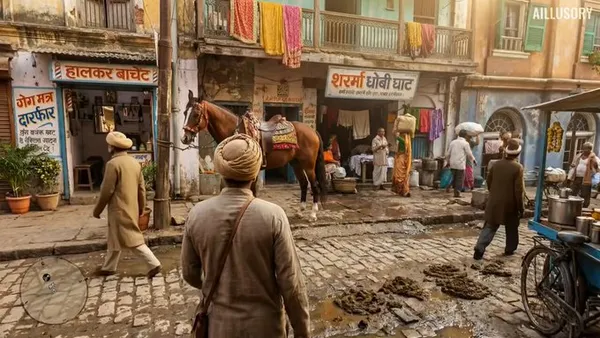
Unbelievable stuff is possible with AI models Using Kling 3.0, reimagining RDR 2 in India What game should…
Kling 3 is a remarkable model. This was a one-shot generation from an input image and text prompts…
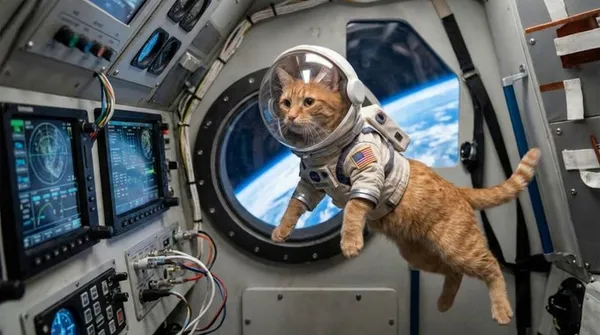
RIP Hollywood. AI is now 100% photorealistic with the launch of Kling 3.0 In just two days, I…
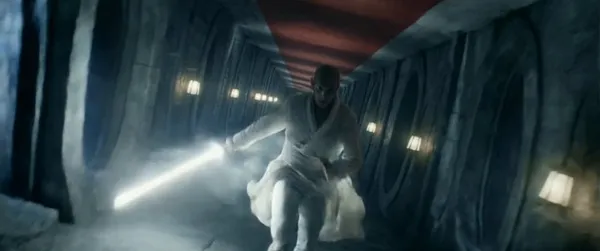
Kling 3.0 est dispo sur Comfy. Pour fêter ça, voici ma toute première vidéo en mutlishot... Sympa mais…

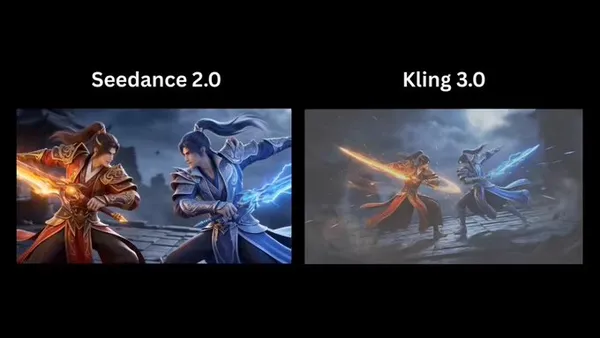
I compared Seedance 2.0 with Kling 3, Sora 2, and Grok Imagine. Seedance 2.0 is honestly mindblowingly good.…
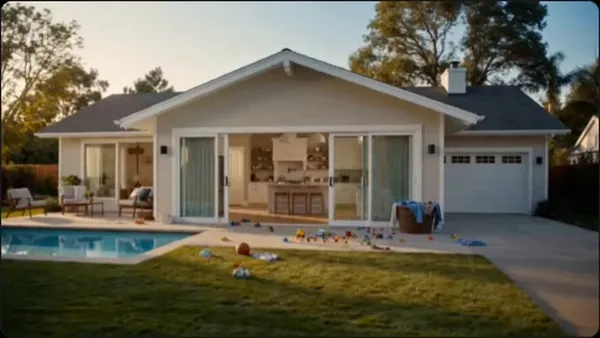
Text or a first frame with an optional last frame. Image references must be JPG, PNG or WEBP, up to 10 MB each.
1080p · 3–15 seconds
The price updates for your selected model, settings and output count. Review it, then choose Create. Failed paid outputs follow the applicable refund rules.
Examples illustrate creative directions. Results vary with the model, prompt and source images; inspect your own output before use.
Reference uploads and cloud sessions require sign-in. The workspace shows the available actions for your account. A selected visitor file is not uploaded automatically after sign-in.
Create a focused video scene with Kling 3.0. Shape the action in words, use supported frame inputs and choose whether to generate audio.
Start creating