
1
Stage a cinematic scene
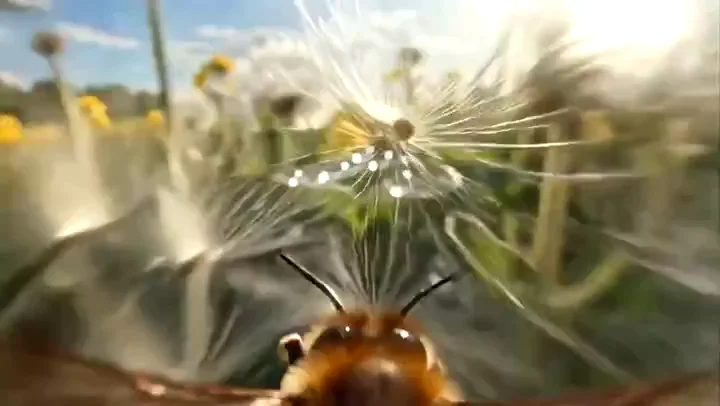
Specify the setting, light and framing for an establishing shot or product reveal using the available video settings.
Create with PixVerse V6 at 720P / 1080P · 1–15 seconds. Choose a supported input mode below and describe the subject, action and camera movement.
Start creatingReference-site example; not a verified result generated on Kitta AI.
Text to Video / First frame / First / last frames / Reference images · Reference images: 7
720P / 1080P · 1–15 seconds
Create with PixVerse V6 at 720P / 1080P · 1–15 seconds. Choose a supported input mode below and describe the subject, action and camera movement.
Specify the setting, light and framing for an establishing shot or product reveal using the available video settings.
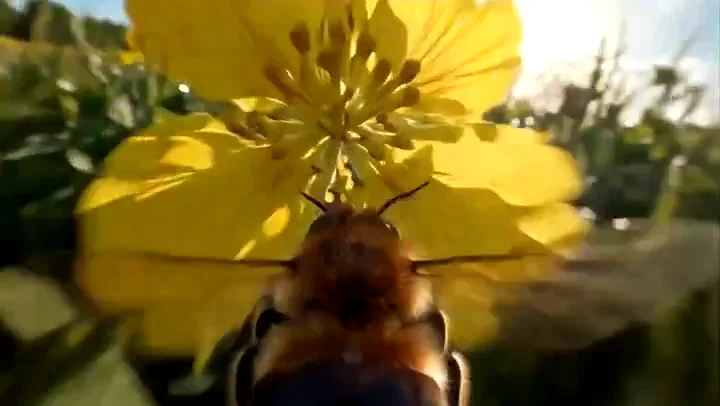
Try a revised prompt for a different pace or mood, then compare completed clips before choosing one.
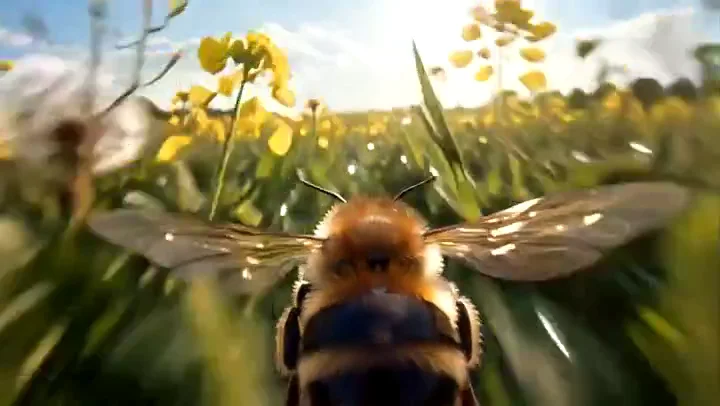
Use up to 7 reference images to communicate the subject and look; review appearance throughout the clip.
Specify the subject, composition, lighting and details to preserve. Use clear instructions for each change.
Text to Video / First frame / First / last frames / Reference images · Reference images: 7
The price updates for your selected model, settings and output count. Review it, then choose Create. Failed paid outputs follow the applicable refund rules.
Public posts about this model. These are external examples, not reviews of Kitta AI.
😅FEEL THE PRESSURE! PIXVERSE V6 VS DREAMINA SEEDANCE 2.0 Gotta say I was pretty shocked how well did…
PIXVERSE V6 REALISM SECRET TRICKS Bookmark this post. Pixverse responds really well to "Gritty, Rough, Raw, Documentary" when…
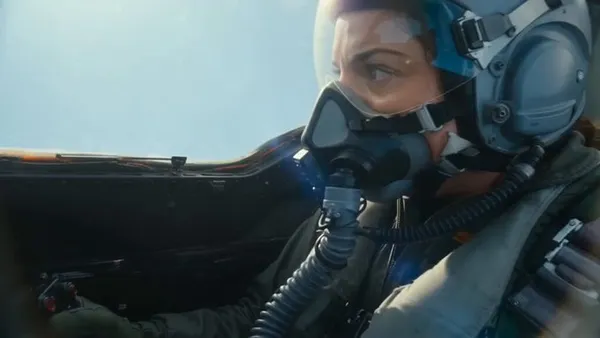
You can see the full guide with the different models and options here: pixverse.ai/en/blog/pixver… Thanks to the team…
PixVerse V6 está diseñado de forma diferente. Se centra en cómo se comportan realmente las grabaciones reales. #PixVerseV6…
PixVerse V6が出たと思ったらすぐにC1が出ました! V6ではリファレンスなかったのですが、C1ではリファレンスできます! #PixVerse @pixverse…
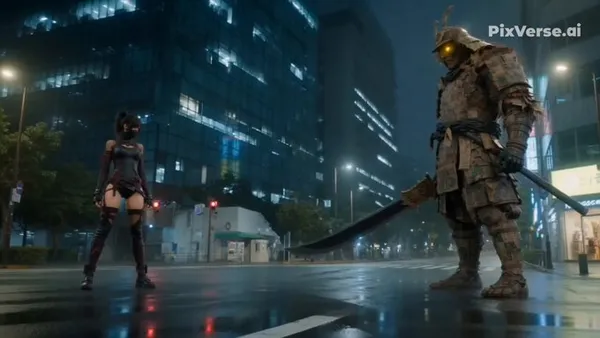
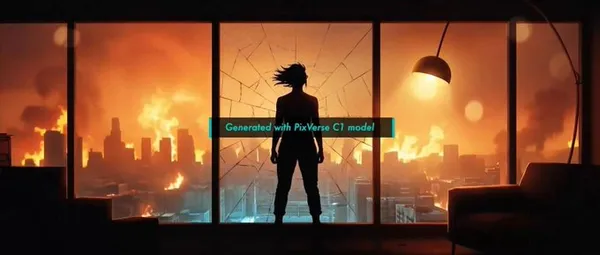
PixVerse C1 is live—our first model built for film production. Coherent action, storyboard-to-video, ref-guided consistency. 1080p, 15s, native…
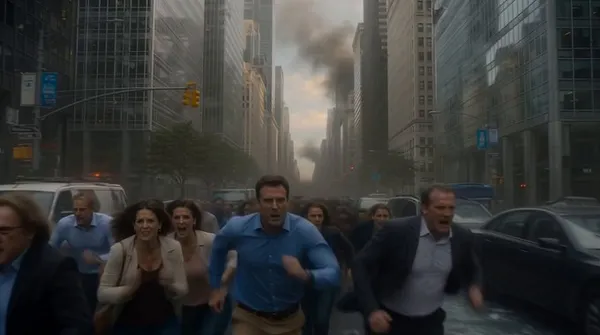
Pixverse v6 is going wild with the destruction. A test of the destruction and chaos. @pixverse…
Text to Video / First frame / First / last frames / Reference images · Reference images: 7
720P / 1080P · 1–15 seconds
The price updates for your selected model, settings and output count. Review it, then choose Create. Failed paid outputs follow the applicable refund rules.
Examples illustrate creative directions. Results vary with the model, prompt and source images; inspect your own output before use.
Reference uploads and cloud sessions require sign-in. The workspace shows the available actions for your account. A selected visitor file is not uploaded automatically after sign-in.
Create with PixVerse V6 at 720P / 1080P · 1–15 seconds. Choose a supported input mode below and describe the subject, action and camera movement.
Start creating