
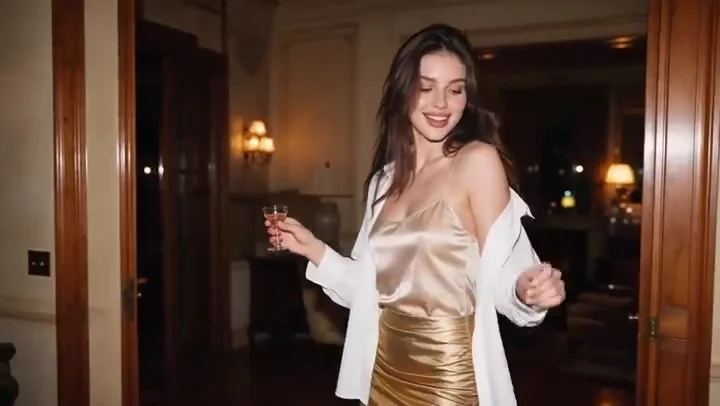
1
Stage a cinematic scene
Specify the setting, light and framing for an establishing shot or product reveal using the available video settings.
Create with Vidu Q4 Preview at 720P / 1080P · 3–16 seconds. Choose a supported input mode below and describe the subject, action and camera movement.
Start creatingReference-site example; not a verified result generated on Kitta AI.
First frame / Reference images · Reference images: 10
720P / 1080P · 3–16 seconds
Create with Vidu Q4 Preview at 720P / 1080P · 3–16 seconds. Choose a supported input mode below and describe the subject, action and camera movement.
Specify the setting, light and framing for an establishing shot or product reveal using the available video settings.

Try a revised prompt for a different pace or mood, then compare completed clips before choosing one.

Use up to 10 reference images to communicate the subject and look; review appearance throughout the clip.
Ask for a slow push, tracking movement or change in viewpoint to support the action in your scene.
Describe how a person, object or environment should move, then check interactions and continuity in playback.
Describe dialogue, ambience or effects when using supported audio options, and listen to the generated track.
Specify the subject, composition, lighting and details to preserve. Use clear instructions for each change.
First frame / Reference images · Reference images: 10
The price updates for your selected model, settings and output count. Review it, then choose Create. Failed paid outputs follow the applicable refund rules.
Public posts about this model. These are external examples, not reviews of Kitta AI.
🎭 A close-up exposes everything. Q4 Preview improves facial emotion, micro-expressions, and body language so characters can carry…
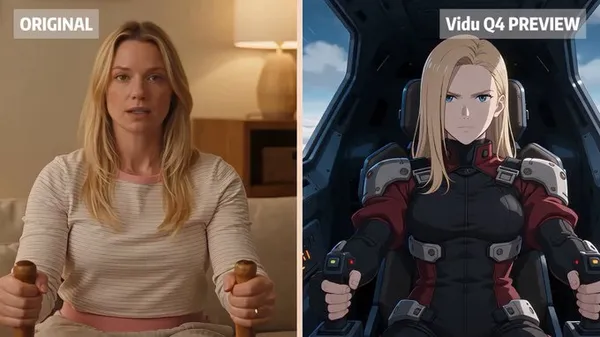
One product shot, ten different ways to open it. That’s where Vidu Q4 Preview gets interesting for me.…
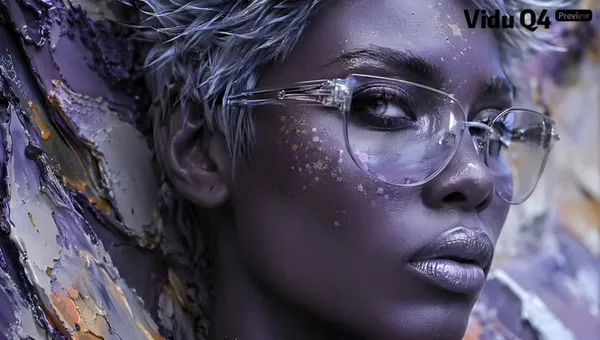
The AI video race is getting crowded. Seedance, Kling, MiniMax H3, new drops every few weeks. And now…
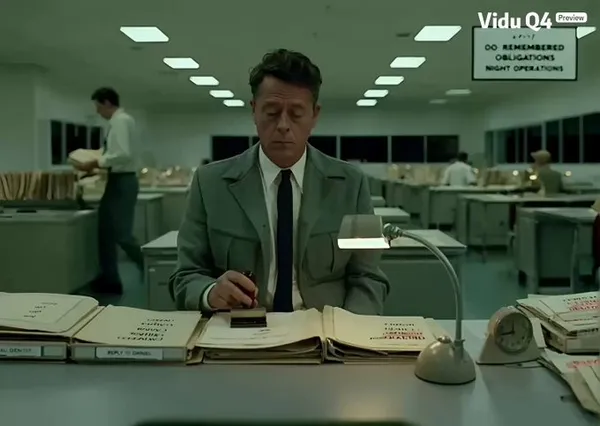
AI video might be having its own DeepSeek moment, and Vidu Q4 Preview is making a strong case…

After around 8 months, Vidu’s Q series is finally back. Vidu Q4 Preview feels like a proper comeback,…

You can test 10 different AI video opening scenes for less than the price of a cup of…

Seedance, Kling, MiniMax… AI video releases are moving ridiculously fast right now. And now Vidu Q4 Preview has…

For e-commerce brands, the real cost of video advertising isn’t just production—it’s figuring out which creative will perform…

AI video has turned into a new-model-every-few-weeks race. Seedance 2.5, Kling 3.0 and MiniMax H3 are all arriving…

🎬 Motion alone does not make a scene believable. Vidu Q4 Preview is built for more expressive characters,…

First frame / Reference images · Reference images: 10
720P / 1080P · 3–16 seconds
The price updates for your selected model, settings and output count. Review it, then choose Create. Failed paid outputs follow the applicable refund rules.
Examples illustrate creative directions. Results vary with the model, prompt and source images; inspect your own output before use.
Reference uploads and cloud sessions require sign-in. The workspace shows the available actions for your account. A selected visitor file is not uploaded automatically after sign-in.
Specify the subject, composition, lighting and details to preserve. Use clear instructions for each change.
Use images you have permission to use. Keep their order intentional and describe how each should influence the result.
Review the first result, adjust your instructions and create another version when needed.
Keep important wording explicit. Check spelling, spacing and composition before publishing.
Yes
Create with Vidu Q4 Preview at 720P / 1080P · 3–16 seconds. Choose a supported input mode below and describe the subject, action and camera movement.
Start creating