
1
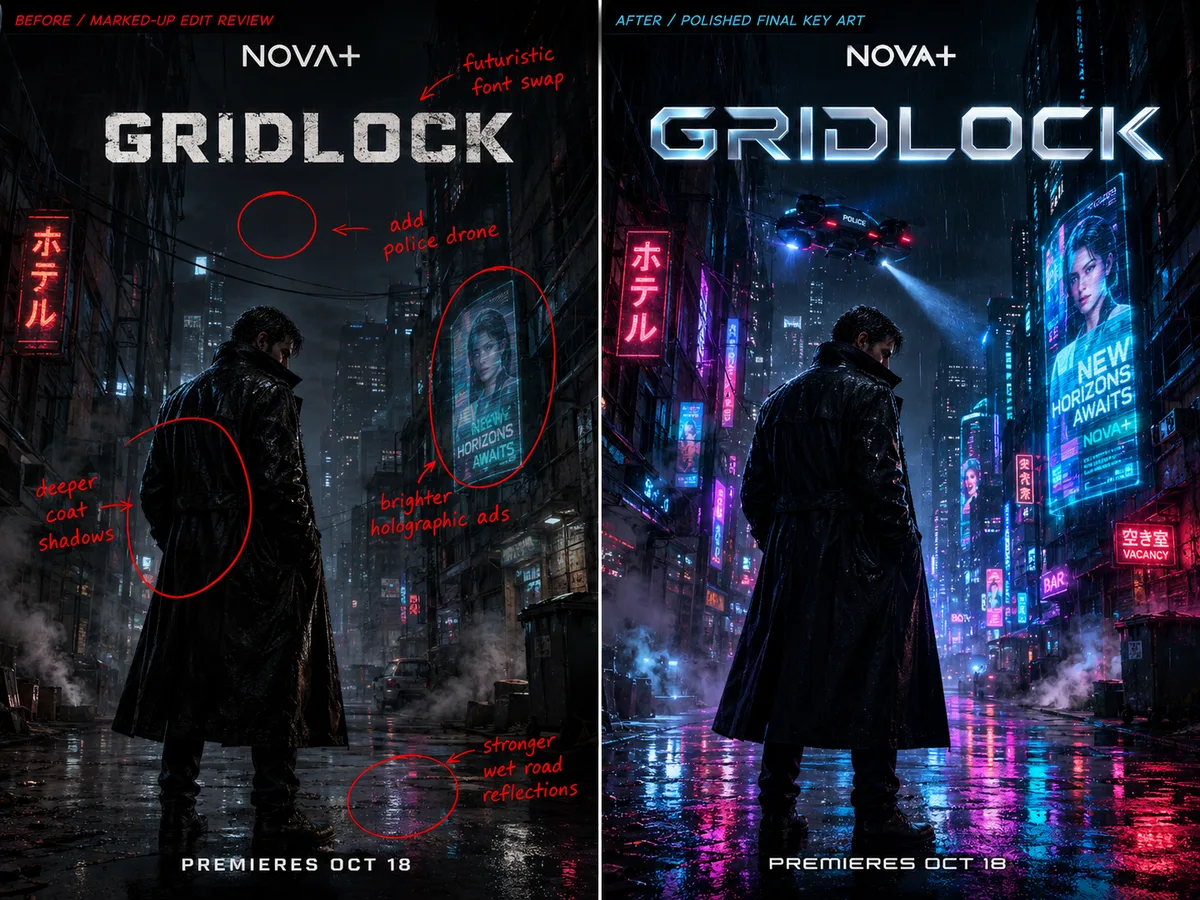
Describe focused revisions
Identify an object or area in your prompt and explain the desired change and the surrounding details to retain.
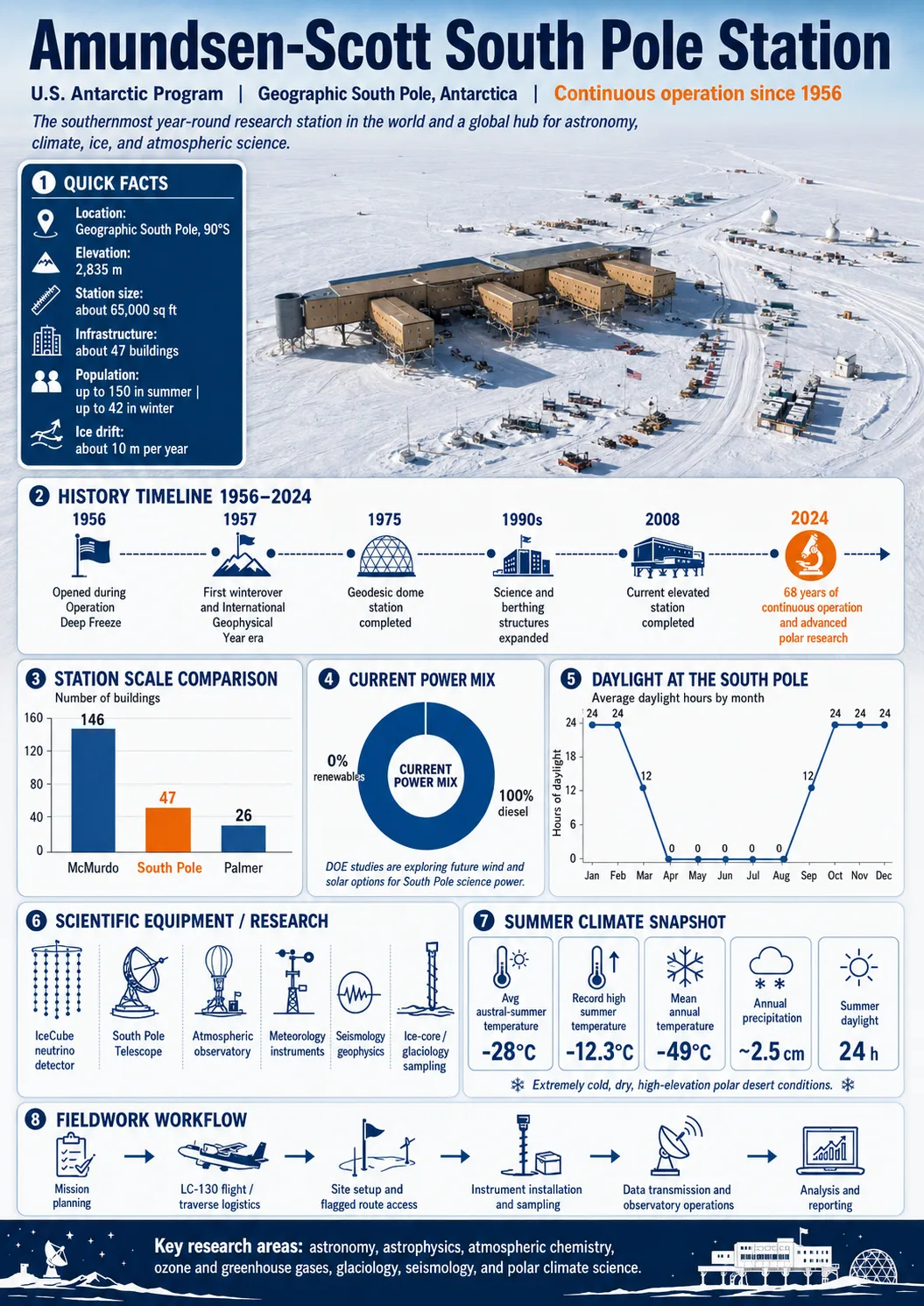
Plan layouts, explanatory graphics and localized visuals with Seedream 5.0 Pro. Start from a written brief or reference image and refine the design through text instructions.
Start creatingLoading…
Reference-site example; not a verified result generated on Kitta AI.
Text or up to 10 image references. JPG, PNG and WEBP, up to 10 MB per image.
1K / 2K
Plan layouts, explanatory graphics and localized visuals with Seedream 5.0 Pro. Start from a written brief or reference image and refine the design through text instructions.
Identify an object or area in your prompt and explain the desired change and the surrounding details to retain.
Set out a hierarchy for headings, illustrations and captions when drafting an infographic or campaign layout.

Combine a scene brief with exact wording in your target language for product or editorial visuals; check text and detail.
Describe the purpose, audience and arrangement, or add an image you want to revise.
Choose Seedream 5.0 Pro and write the text, visual style and details to preserve.
Generate with available settings, inspect labels and composition, and revise your instructions as needed.
This comparison lists the settings selectable on this site. Availability depends on the model and mode; it does not rank output quality or speed.
| Available settings | Seedream 5.0 Pro | Seedream 5.0 Flash |
|---|---|---|
| Resolution | 1K / 2K | 1K / 2K |
| Duration | — | — |
| Image references | 10 | 10 |
| Audio | — | — |
| Aspect ratio | 1:1 / 3:2 / 2:3 / 4:3 / 3:4 / 16:9 / 9:16 / 21:9 | 1:1 / 3:2 / 2:3 / 4:3 / 3:4 / 16:9 / 9:16 / 21:9 |
| Input modes | Text to image / Image edit | Text to image / Image edit |
Text or up to 10 image references. JPG, PNG and WEBP, up to 10 MB per image.
1K / 2K
The price updates for your selected model, settings and output count. Review it, then choose Create. Failed paid outputs follow the applicable refund rules.
Examples illustrate creative directions. Results vary with the model, prompt and source images; inspect your own output before use.
Reference uploads and cloud sessions require sign-in. The workspace shows the available actions for your account. A selected visitor file is not uploaded automatically after sign-in.
Plan layouts, explanatory graphics and localized visuals with Seedream 5.0 Pro. Start from a written brief or reference image and refine the design through text instructions.
Start creating