Create a polished character concept for [role], distinctive outfit, clear silhouette, expressive pose, [art style], high detail.
Use this promptAI Character Generator
Generate character concepts, cosplay photos, IP mascots, game-style figures, and reference-driven character variations with GPT Image 2.5.
Loading…
Explore ideas with AI Character Generator
Character role + identity details + outfit + pose + scene + art direction + reference constraints.
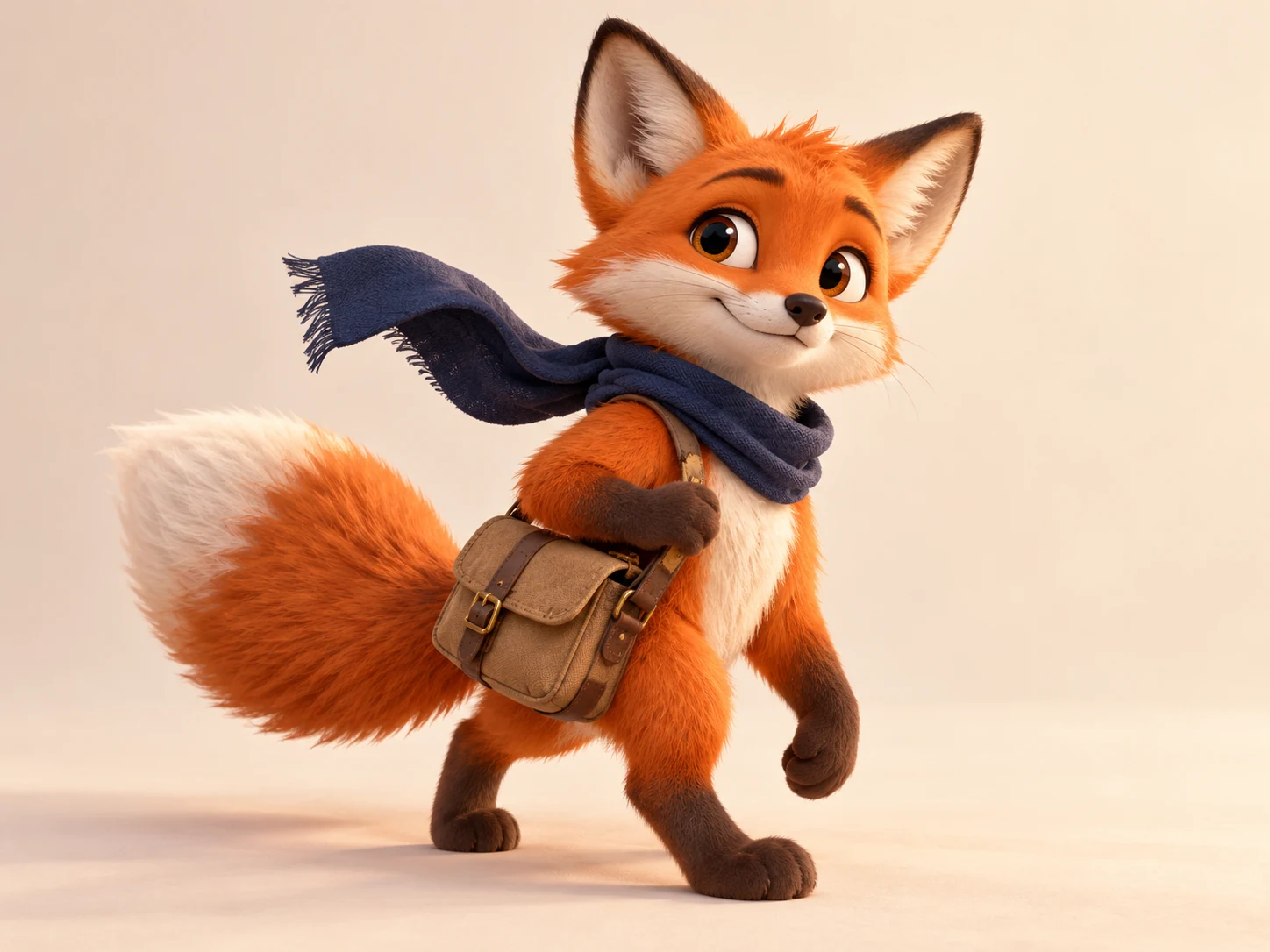
Cosplay portrait concepts and reference-driven character photos.
IP mascots, brand characters, and campaign figures.
Game character and animation concept exploration.
Consistent character variants for posters and social content.
Prompt ideas for AI Character Generator
Use this character reference and generate a cosplay-style photo, preserve hairstyle, outfit cues, and identity details, realistic lighting.
Use this promptDesign a brand mascot for [brand], friendly IP character, simple readable shape, strong color palette, poster-ready.
Use this promptHow to use AI Character Generator
- 1
Start with an idea or reference
Write the subject, scene and intended change. Sign in before uploading a reference image you own or may use.
- 2
Choose settings and review the quote
Choose the available model and output settings in the workspace. Get a quote, check the credit cost and explicitly confirm to start.
- 3
Review the result
Preview the completed task and download an available output. Check details before publishing; start another version only when you choose to.
Published scene examples
Explore published gallery images for inspiration. Review the actual output yourself; these examples do not guarantee your result.
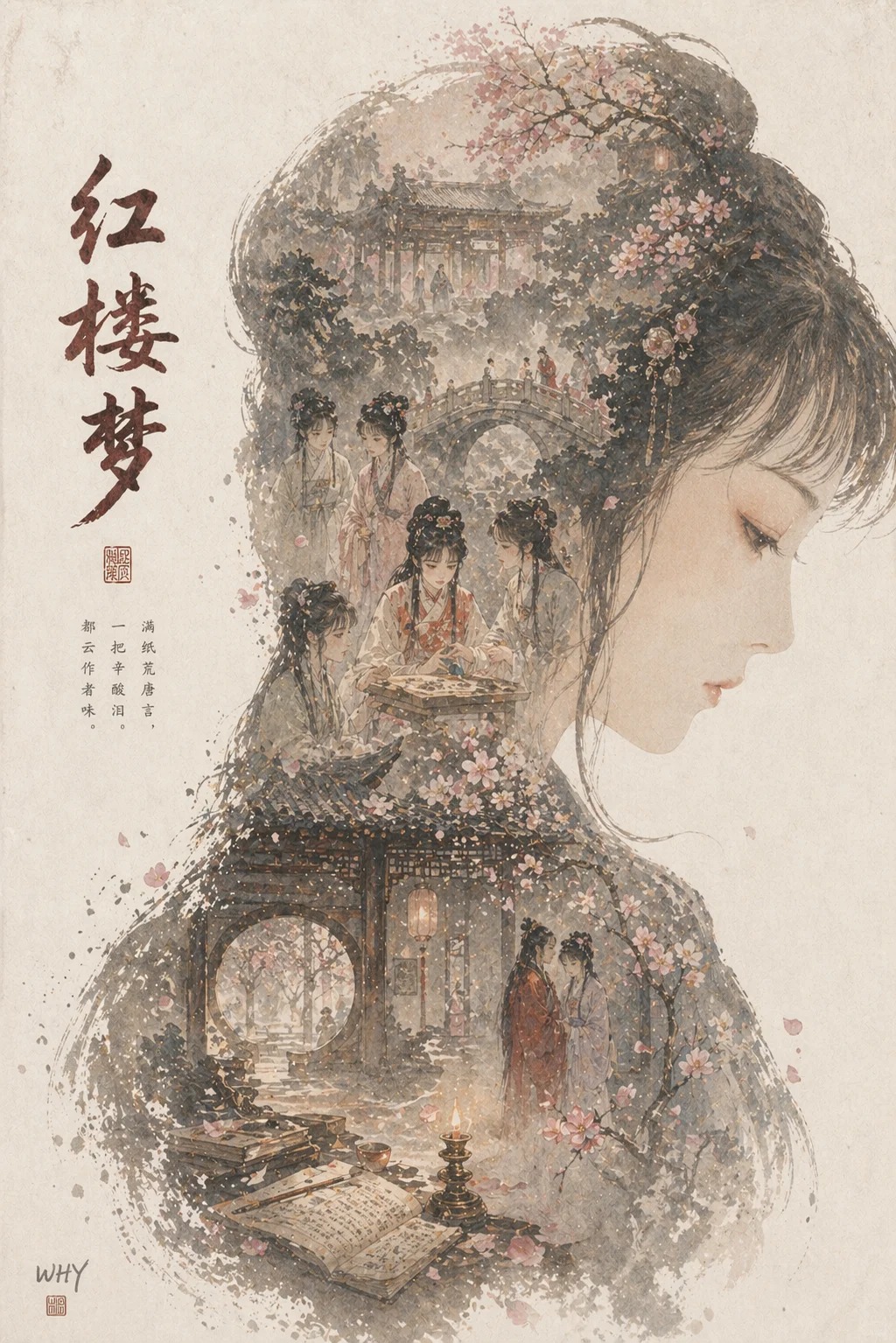
Dream of the Red Chamber Portrait Poster
A poster combining Dream of the Red Chamber character imagery with classical aesthetics.
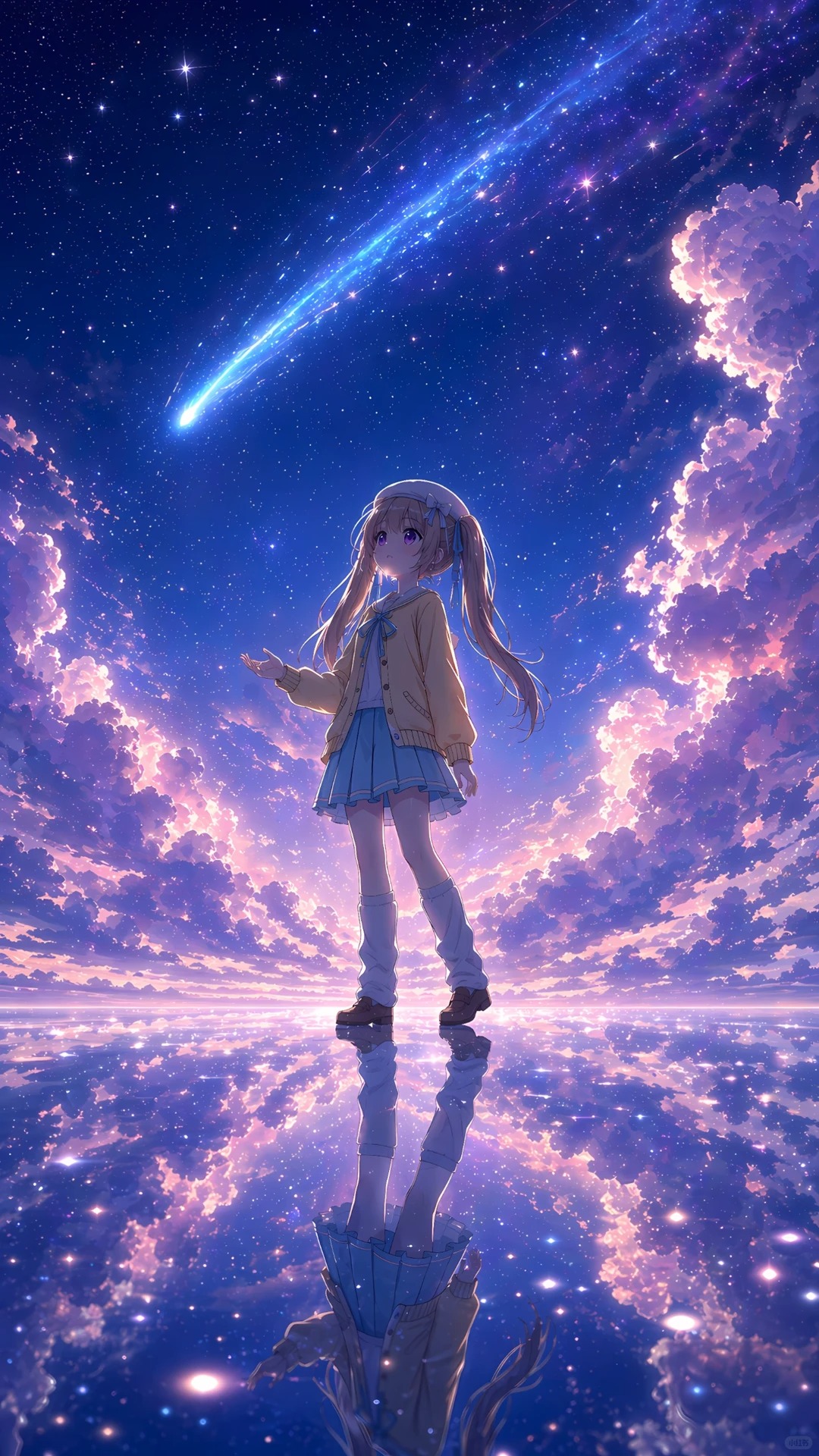
Starry Girl Dreamscape Illustration
A dreamlike illustration of a girl standing under a starry sky and light trail.
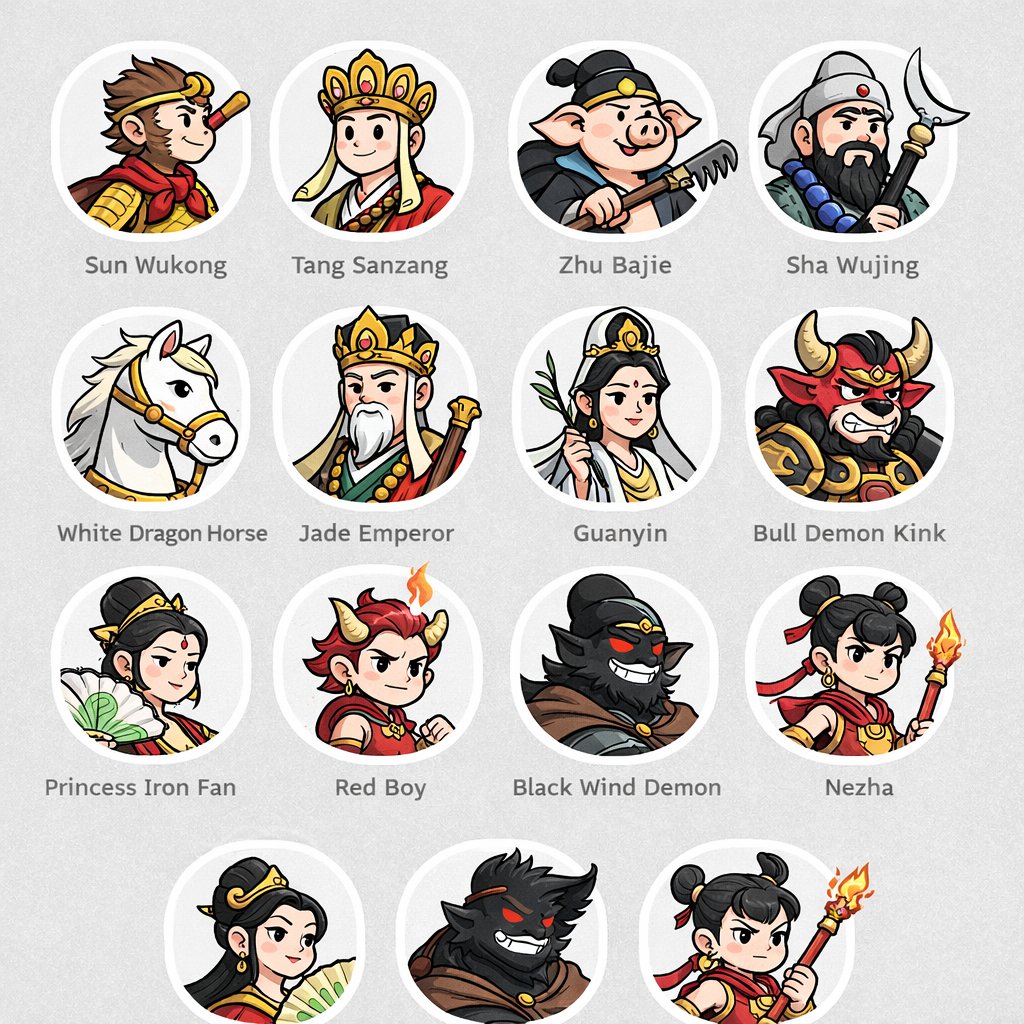
Fantasy Character Icon Set
An icon set featuring multiple fantasy character portraits.
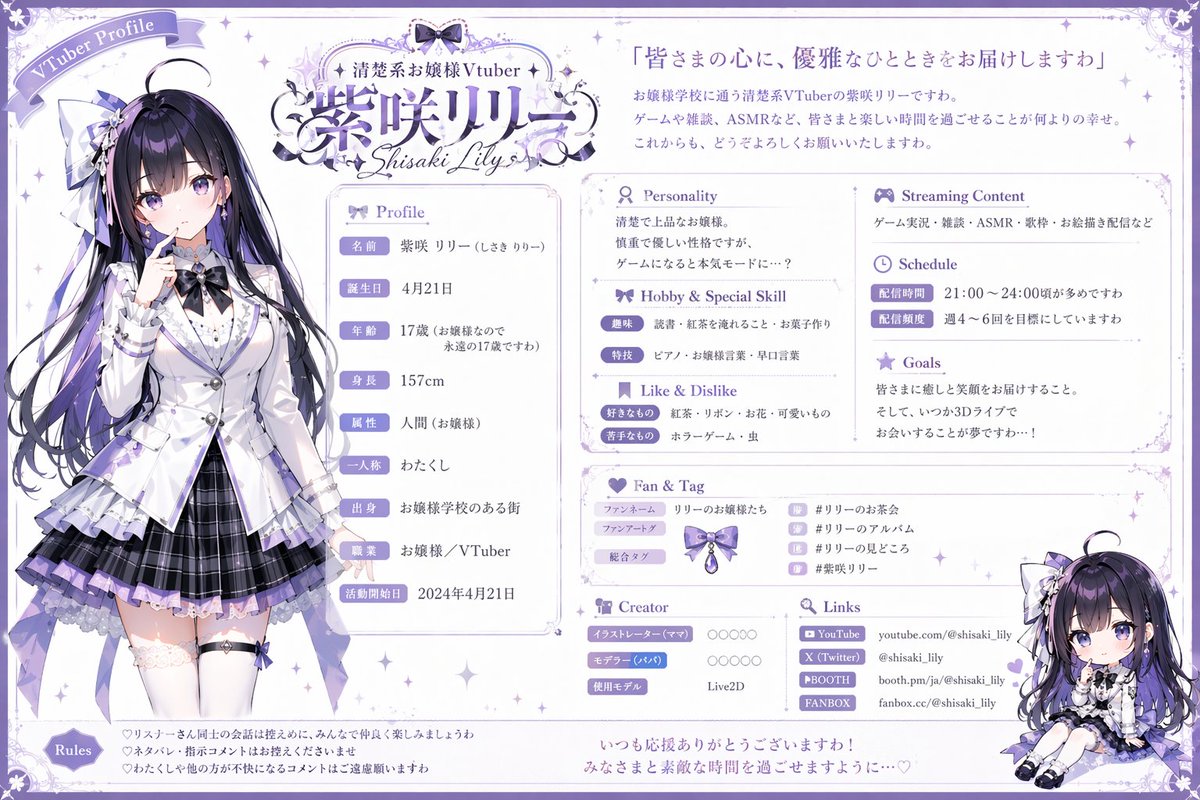
Purple-Haired Character Reference Sheet
A reference sheet for a purple-haired character with full-body art and details.
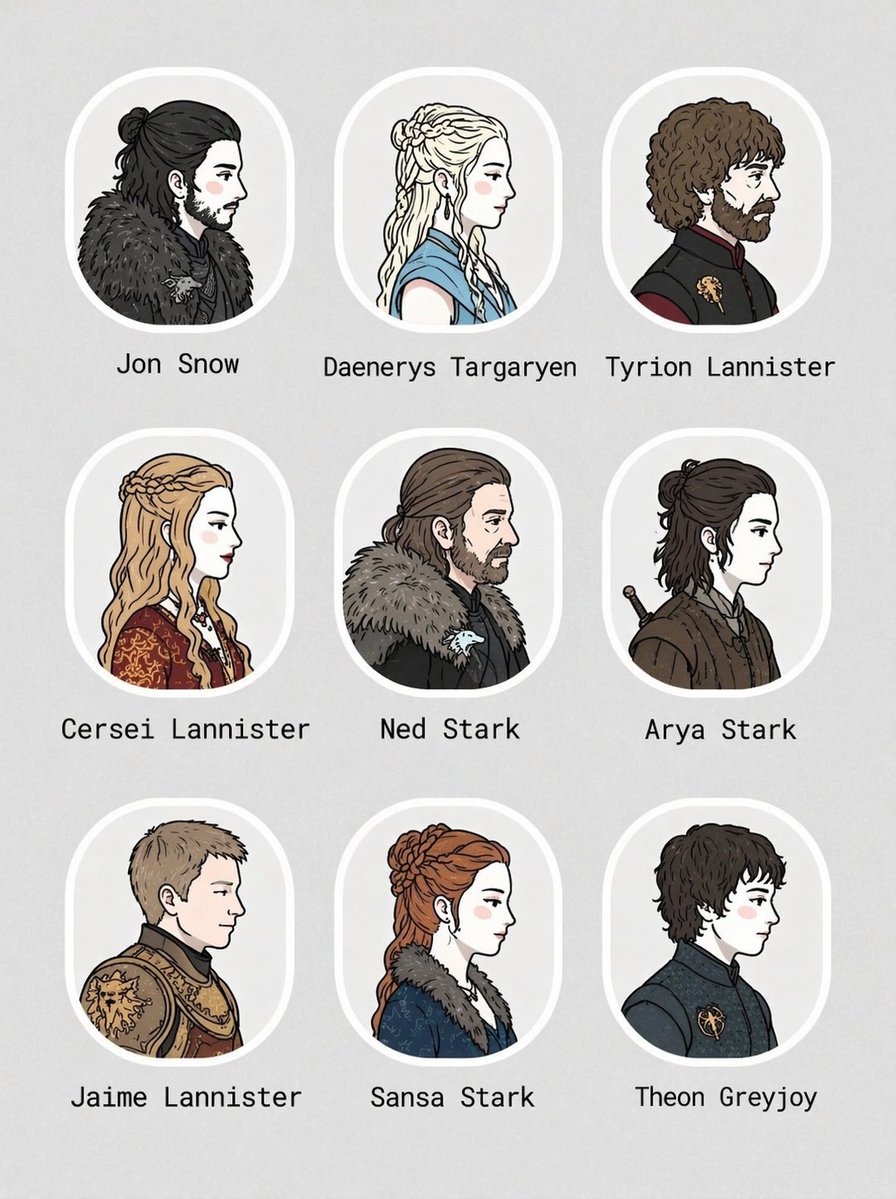
Illustrated Character Avatar Set
A set of illustrated character avatar profiles and reference details.
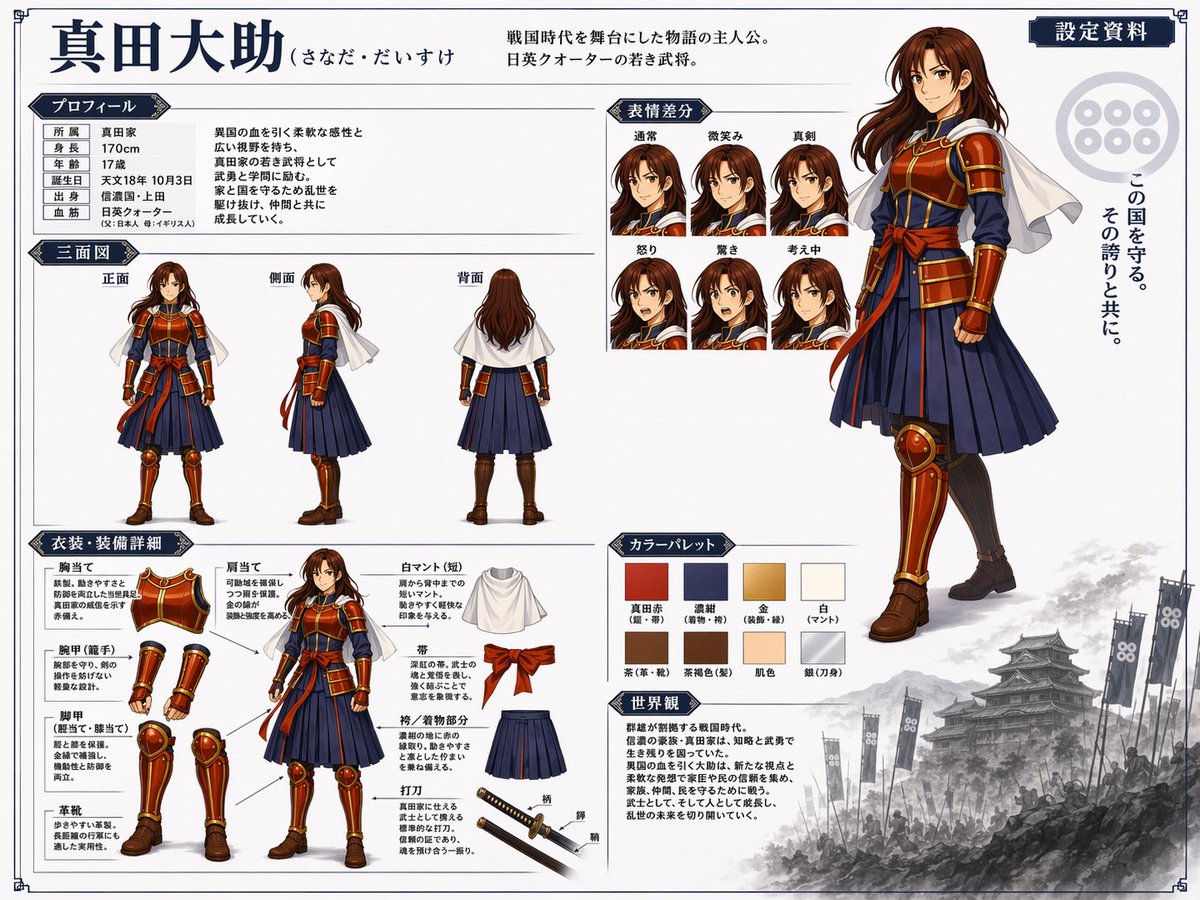
Character Costume Reference Sheet
A character costume reference sheet showing outfit, accessories, and poses.
AI Character Generator: frequently asked questions
Can it match a reference character?
Reference images help, but you should describe the specific identity details that must remain stable.
Is this useful for brand mascots?
Yes. Use clear shape language, color rules, and brand personality in the prompt.
When do I need to sign in?
Reference uploads and cloud sessions require sign-in. The workspace shows the available actions for your account. A selected visitor file is not uploaded automatically after sign-in.
How do I check the price?
The price updates for your selected model, settings and output count. Review it, then choose Create. Failed paid outputs follow the applicable refund rules.
Which reference images can I use?
Use authorized JPG, PNG or WEBP images. The uploader checks file type, size and the current image limit before upload. Available reference behavior depends on the selected model.
Are the examples guaranteed results?
Illustrations show possible creative directions, not guaranteed outputs. Inspect identity, text, motion and other important details in your actual result before use.
Ready to create with AI Character Generator?
Review the credit cost before confirming each new generation.
Start creating